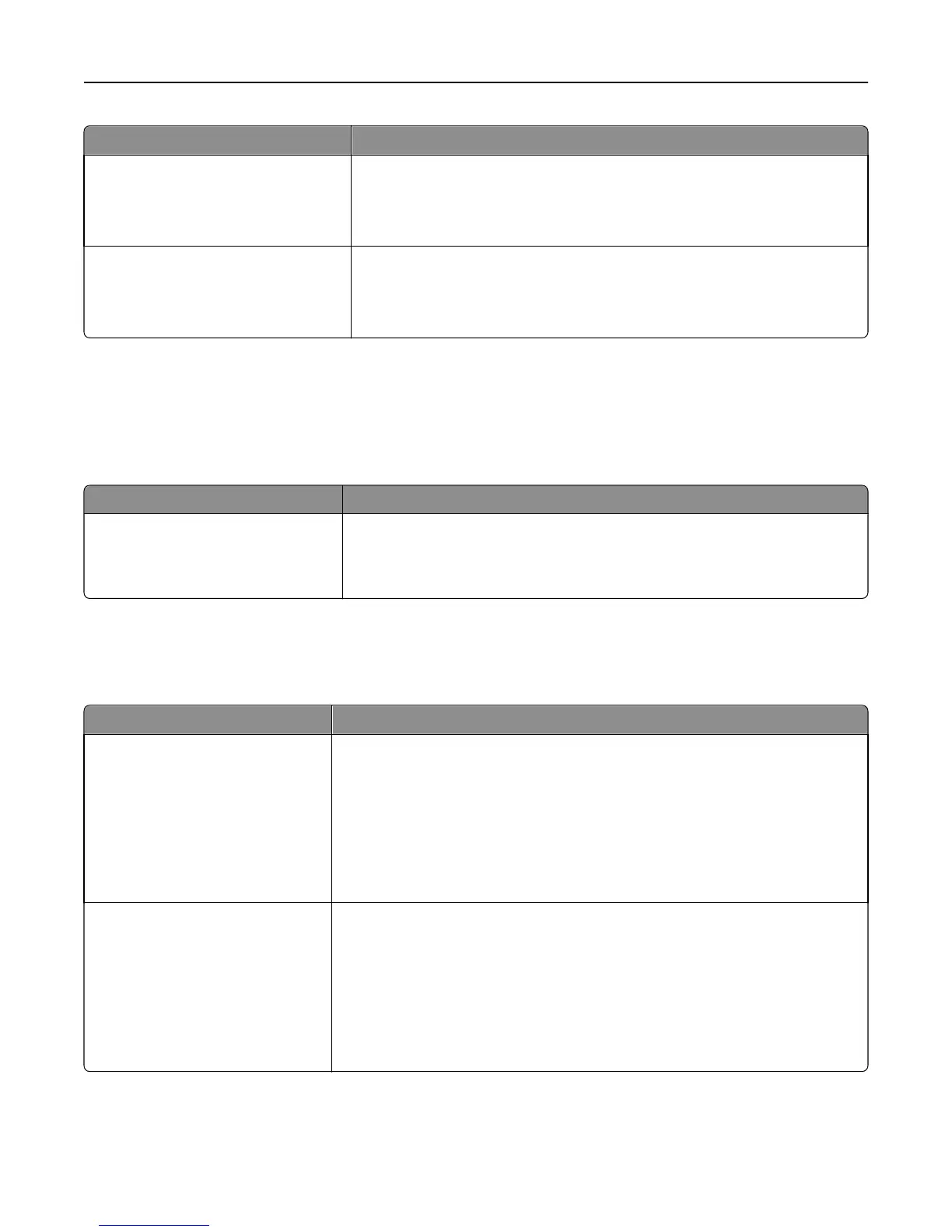
Menu item Description
Print Directory Prints a list of all the resources stored on an optional flash memory card or printer
hard disk
Note: Make sure the optional flash memory or printer hard disk is installed
correctly and working properly.
Asset Report Prints a report containing printer asset information, such as serial number and
model name
Note: The report contains text and UPC barcodes that can be scanned into an
asset database.
Network/Ports menu
Active NIC menu
Menu item Description
Active NIC
Auto
[list of available network cards]
Notes:
• Auto is the factory default setting.
• This menu item appears only if an optional network card is installed.
Standard Network or Network [x] menus
Note: Only active ports appear in this menu; all inactive ports are omitted.
Menu item Description
PCL SmartSwitch
On
Off
Sets the printer to automatically switch to PCL emulation when a print job requires
it, regardless of the default printer language
Notes:
• On is the factory default setting.
• When Off is used, the printer does not examine incoming data. The printer
uses PostScript emulation if PS SmartSwitch is set to On. It uses the default
printer language specified in the Setup menu if PS SmartSwitch is set to Off.
PS SmartSwitch
On
Off
Sets the printer to automatically switch to PS emulation when a print job requires
it, regardless of the default printer language
Notes:
• On is the factory default setting.
• When Off is used, the printer does not examine incoming data. The printer
uses PCL emulation if PCL SmartSwitch is set to On. It uses the default printer
language specified in the Setup menu if PCL SmartSwitch is set to Off.
Understanding printer menus 110



 To Next Page