Replacing Supplies
Replacing an imaging unit
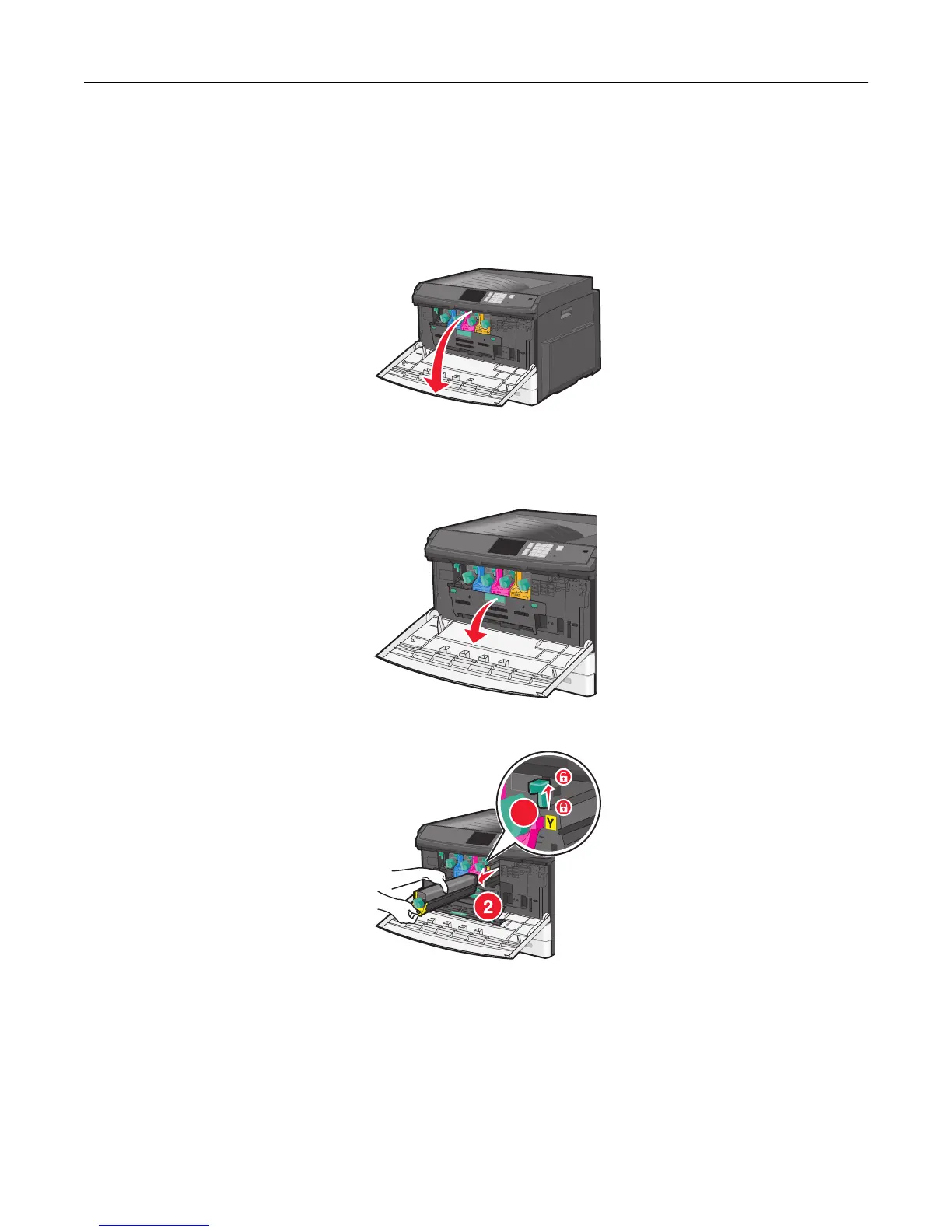
1 Open the front door.
Warning—Potential Damage: To avoid overexposing the imaging units, do not leave the door open for more
than 10 minutes.
2 Open the internal cover.
3 Push the imaging unit lock lever up and pull out the imaging unit with the toner cartridge attached to it.
1
4 Unpack the replacement imaging unit.
Maintaining the printer 161



 To Next Page