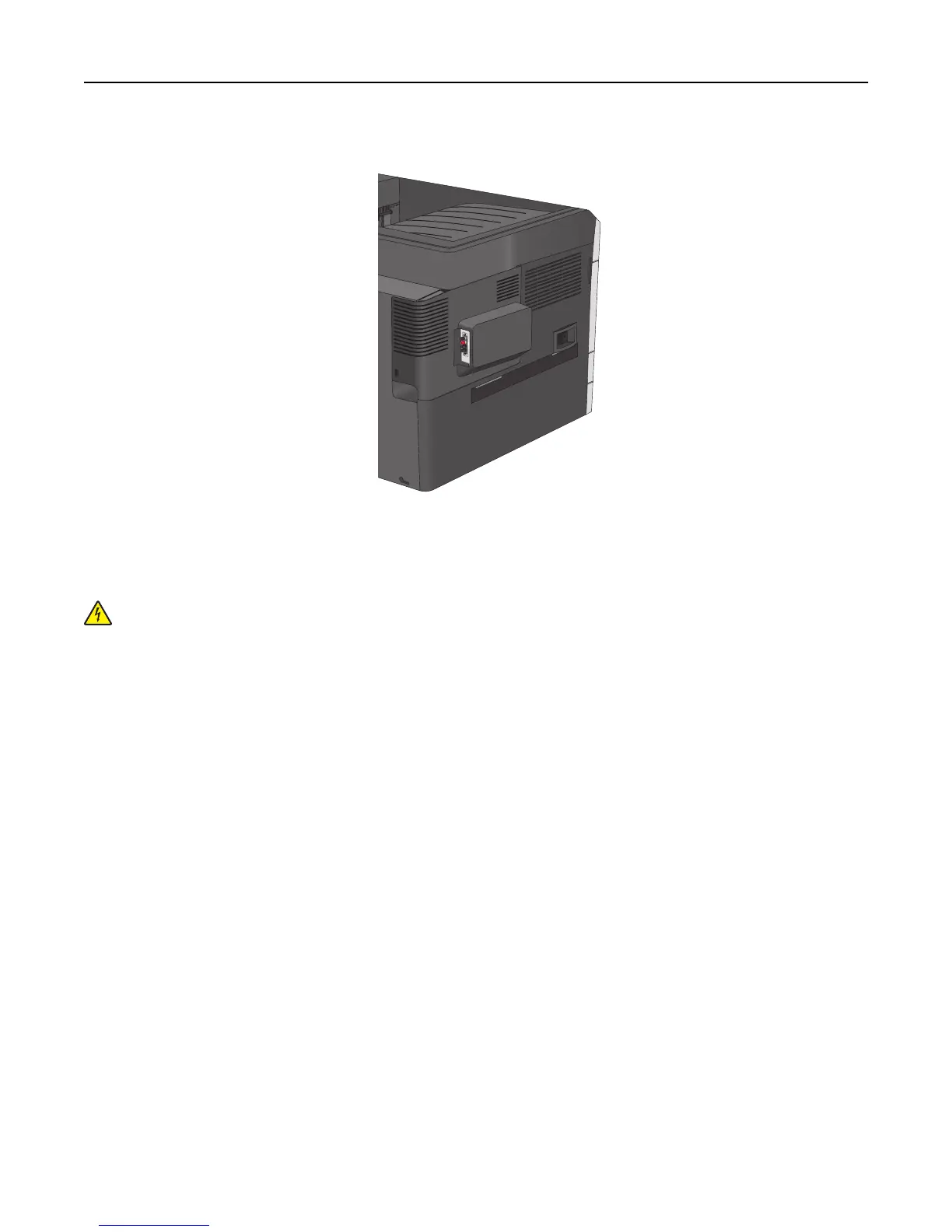
15 Snap on the plastic cover over the metal housing.
Installing a printer hard disk
The optional printer hard disk can be installed with or without a Lexmark Internal Solutions Port (ISP).
CAUTION—SHOCK HAZARD: If you are accessing the system board or installing optional hardware or memory
devices sometime after setting up the printer, then turn the printer off, and unplug the power cord from the
wall outlet before continuing. If you have any other devices attached to the printer, then turn them off as well,
and unplug any cables going into the printer.
Warning—Potential Damage: System board electronic components are easily damaged by static electricity. Touch
something metal on the printer before touching any system board electronic components or connectors.
1 Access the system board.
For more information, see “Accessing the system board” on page 27.
Notes:
• This task requires a flathead screwdriver.
• Do not unplug the fan cable upon opening the metal panel.
2 Unpack the printer hard disk.
Note: Avoid touching the components on the card.
Additional printer setup 38



 To Next Page