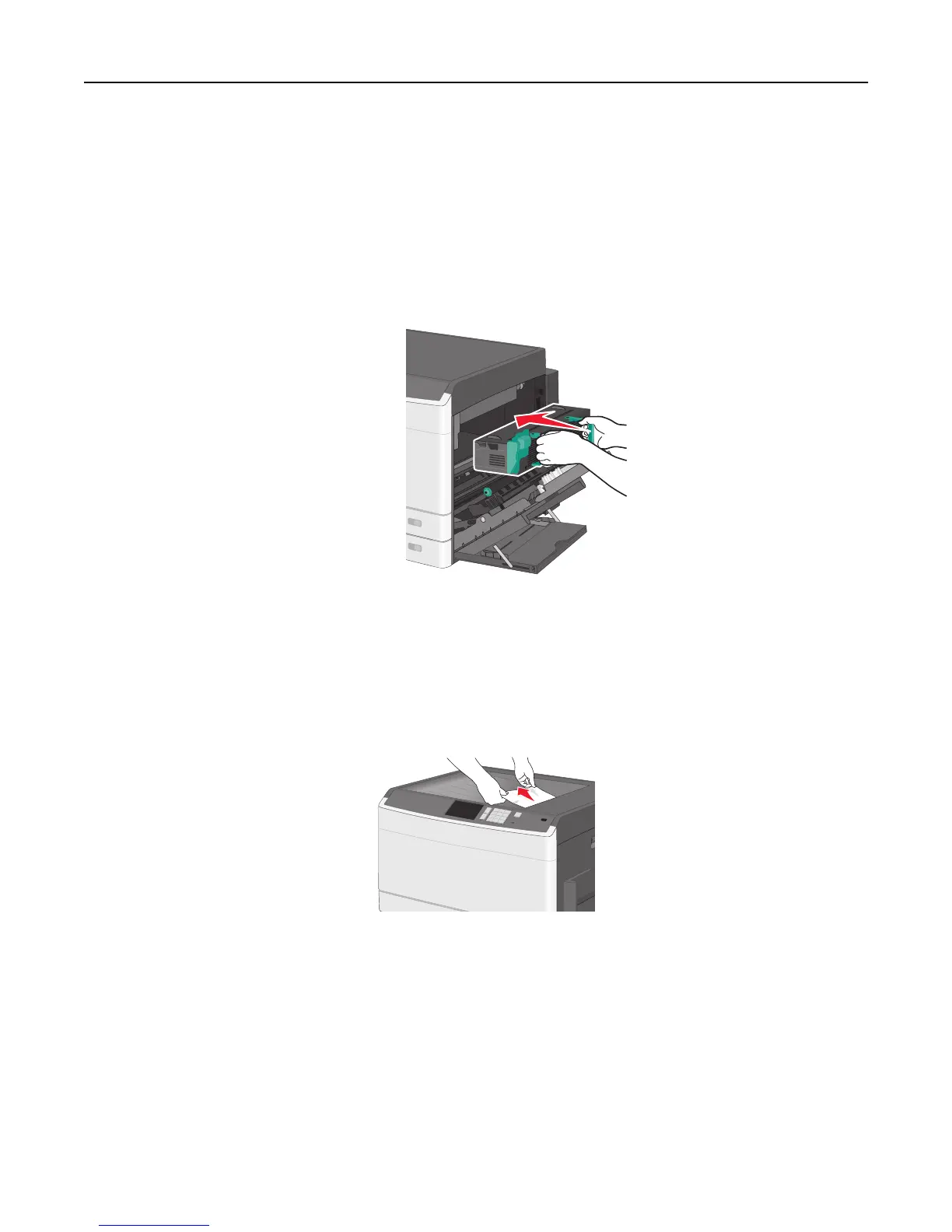
Notes:
• Make sure all paper fragments are removed.
• Pull the jammed paper downwards.
• If the paper is in the fuser, then the fuser nip release lever should be lowered and should be switched
to envelope mode.
• After removing the jammed paper, return the lever to the proper position.
3 Align the fuser unit using the handles on each side, and then place it back into the printer.
3 Close the side door.
4 Touch Continue, jam cleared.
203 paper jam
1 Grasp any jammed paper visible in the standard exit bin, and then gently pull it out.
Notes:
• Make sure all paper fragments are removed.
• If the page is in the fuser, then the fuser nip release lever should be lowered and should be switched to
envelope mode.
• After removing the jammed page, return the lever to the proper position.
2 Touch Continue, jam cleared.
Clearing jams 174



 To Next Page