200 paper jam
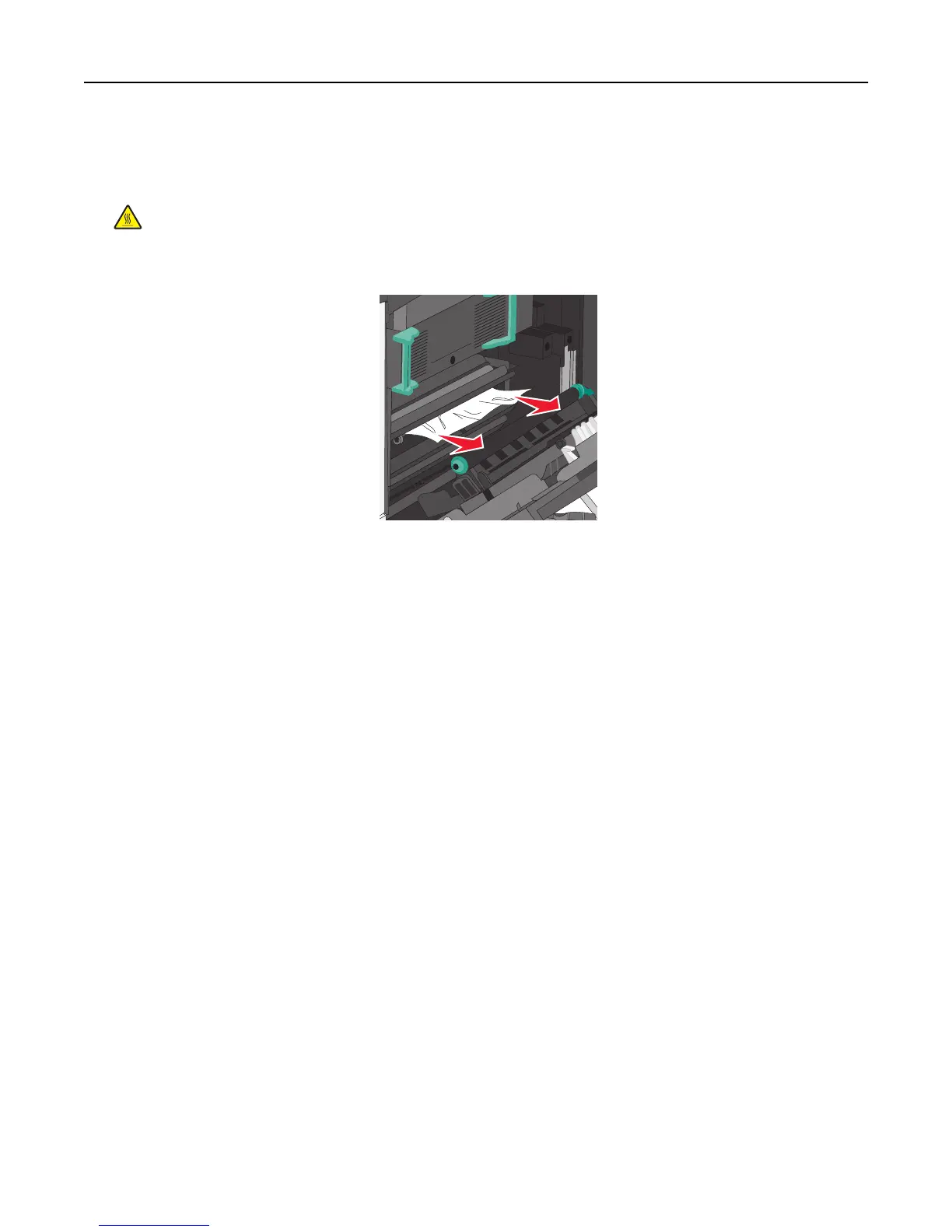
1 Open the side door.
CAUTION—HOT SURFACE: The inside of the printer might be hot. To reduce the risk of injury from a hot
component, allow the surface to cool before touching.
2 Pull the jammed paper up and out to remove it from the paper path.
Notes:
• Make sure all paper fragments are removed.
• If the page is in the fuser, the fuser nip release lever should be lowered and should be switched to envelope
mode.
• After removing the jammed page, return the lever to the proper position.
3 Close the side door.
4 Touch Continue, jam cleared.
Clearing jams 172



 To Next Page