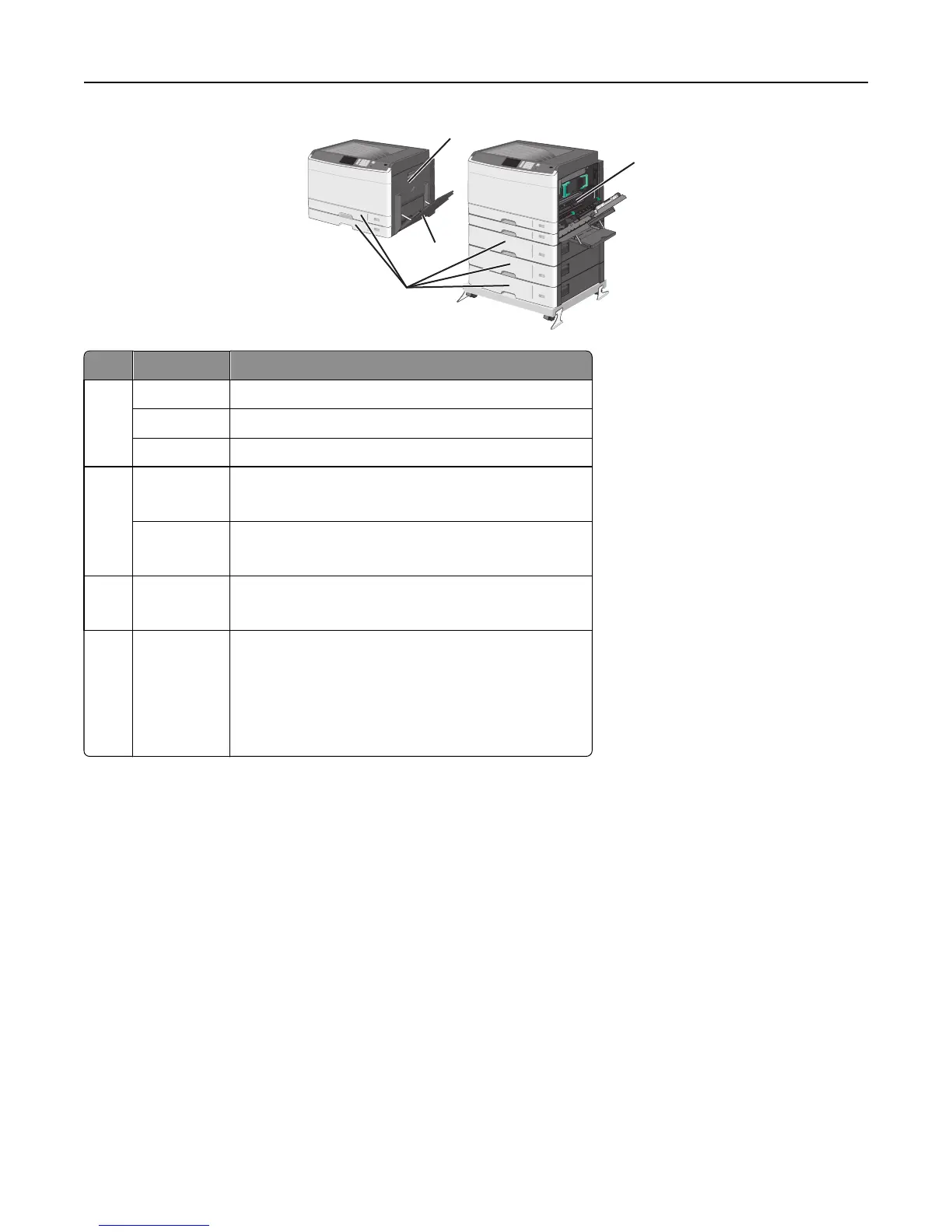
1
2
3
4
Area Jam numbers What to do
1 200 Open the side cover, and then remove any jams.
201 Open the side cover, and then remove any jams.
203 Open the side cover, and then remove any jams.
2 230
1 Open the side cover.
2 Lower the duplex unit, and then remove any jams.
231‑239
1 Open the side cover.
2 Lower the duplex unit, and then remove any jams.
3 24x
1 Open the side cover, and then remove any jams.
2 Open each tray, and then remove any jams.
4 250
1 Remove all media from the multipurpose feeder.
2 Flex and stack the media.
3 Reload paper or media in the multipurpose feeder.
4 Adjust the paper guides.
5 Touch Continue, jam cleared.
Clearing jams 171



 To Next Page