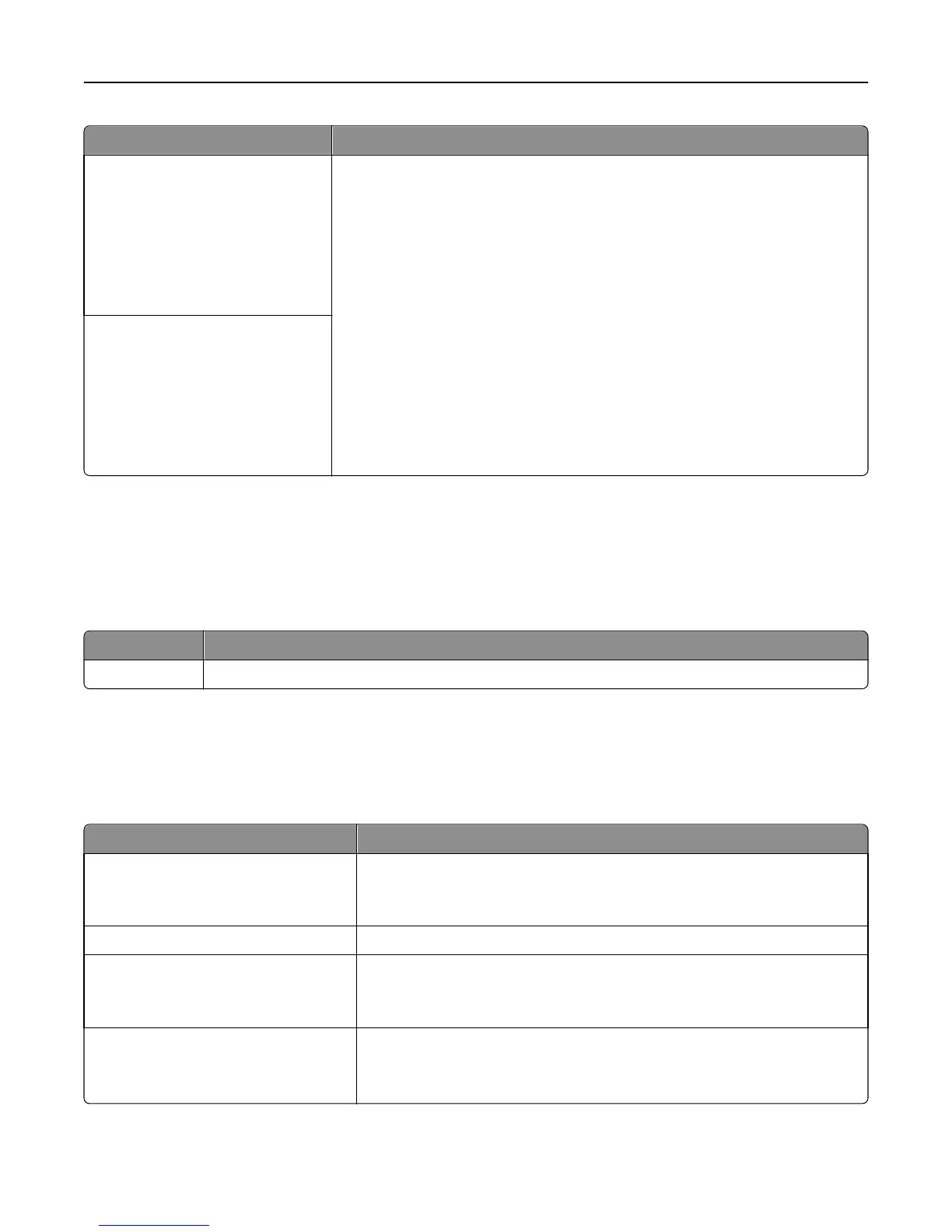
Menu item Description
Standard Network Setup
Reports
Network Card
TCP/IP
IPv6
Wireless
AppleTalk
Displays and sets the printer network settings.
Note: The Wireless menu appears only when the printer is connected to a wireless
network.
Network [x] Setup
Reports
Network Card
TCP/IP
IPv6
Wireless
AppleTalk
Network Reports menu
This menu is available from the Network/Ports menu:
Network/Ports > Standard Network or Network [x] > Standard Network Setup or Network [x] Setup > Reports or
Network Reports
Menu item Description
Print Setup Page Prints a report containing information about the network printer settings, such as the TCP/IP address
Network Card menu
This menu is available from the Network/Ports menu:
Network/Ports > Standard Network or Network [x] > Standard Network Setup or Network [x] Setup > Network Card
Menu item Description
View Card Status
Connected
Disconnected
Lets you view the connection status of the Network Card
View Card Speed Lets you view the speed of a currently active network card
Network Address
UAA
LAA
Lets you view the network addresses
Job Timeout
0
10–225
Sets the amount of time in seconds before a network print job is canceled
Note: 90 seconds is the factory default setting.
Understanding printer menus 112



 To Next Page