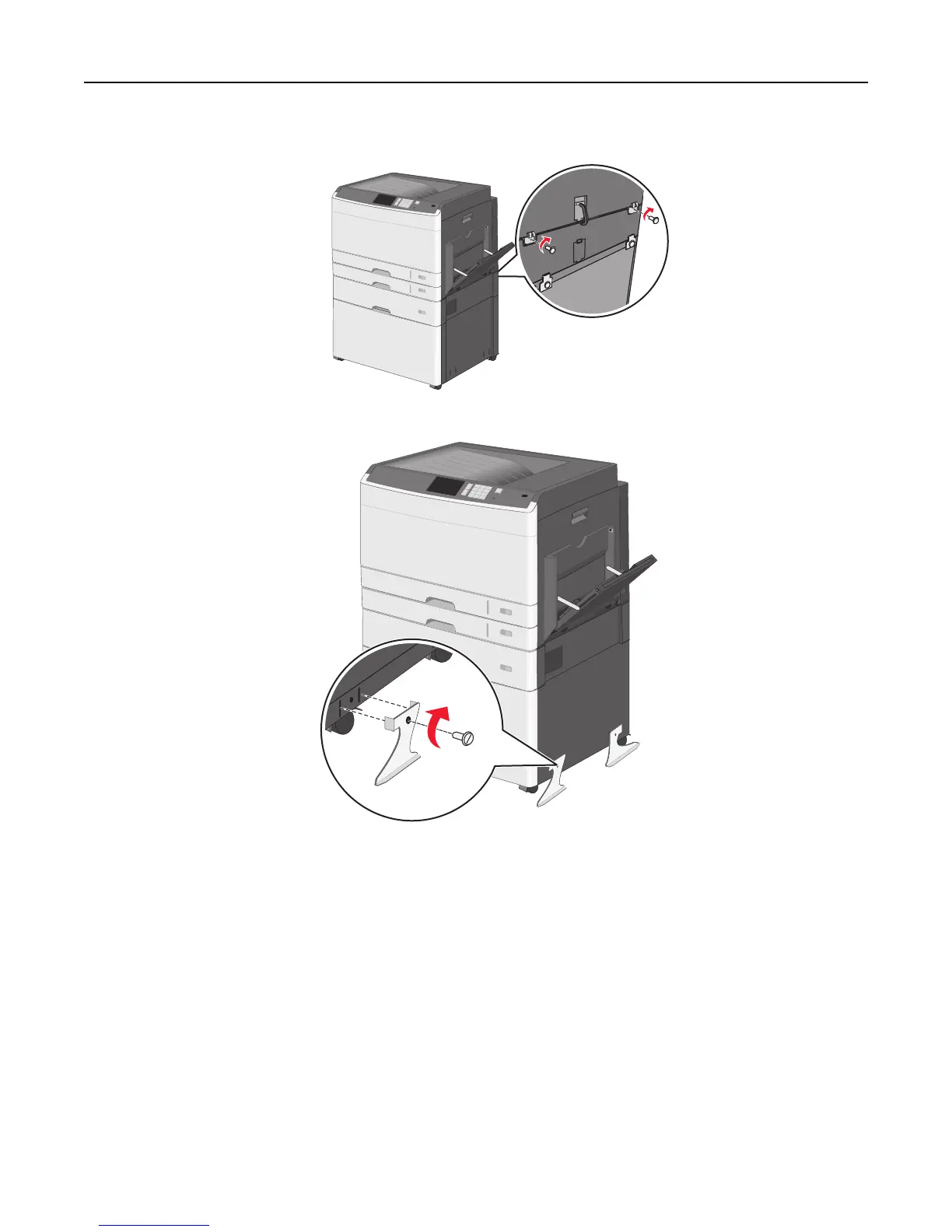
d Secure the brackets with screws.
9 Insert the bases on the slots at the sides of the printer stand and secure them with screws.
10 Turn the printer back on.
11 Set the printer software to recognize the optional input source.
For more information, see “Updating available options in the printer driver” on page 56.
Installing 550‑sheet trays
Notes:
• The printer supports a maximum of three optional 550‑sheet trays.
Additional printer setup 48



 To Next Page