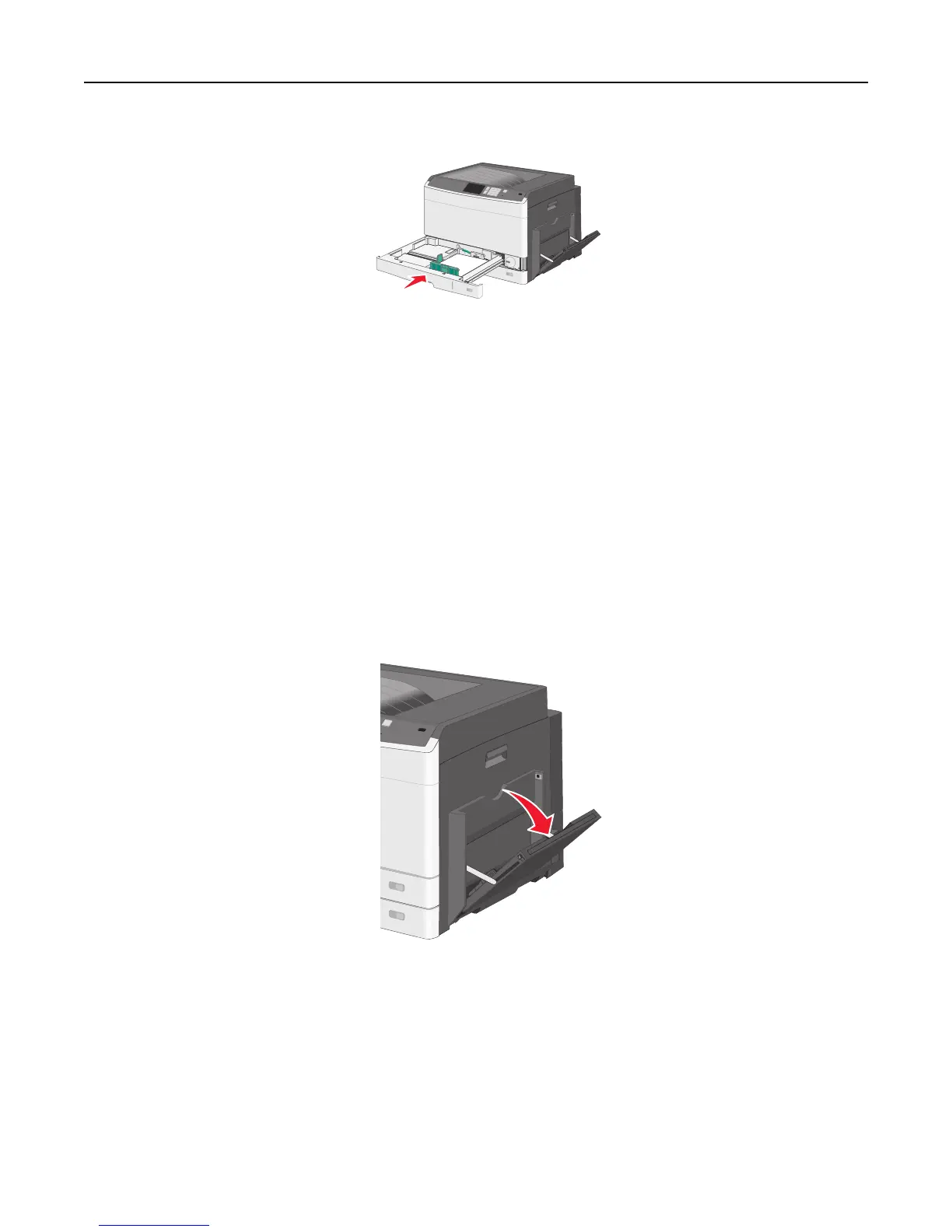
9 Insert the tray.
10 From the printer control panel, verify the Paper Size and Paper Type for the tray based on the paper you loaded.
Loading the multipurpose feeder
The multipurpose feeder can hold several sizes and types of print media, such as transparencies, labels, card stock, and
envelopes. It can be used for single-page or manual printing, or as an additional tray.
The multipurpose feeder can hold approximately:
• 50 sheets of 75‑g/m
2
(20‑lb) paper
• 10 envelopes
• 20 transparencies
Note: Do not add or remove paper or specialty media when the printer is printing from the multipurpose feeder or
when the printer control panel indicator light is blinking. Doing so may cause a jam.
1 Pull down the multipurpose feeder door.
Loading paper and specialty media 77



 To Next Page