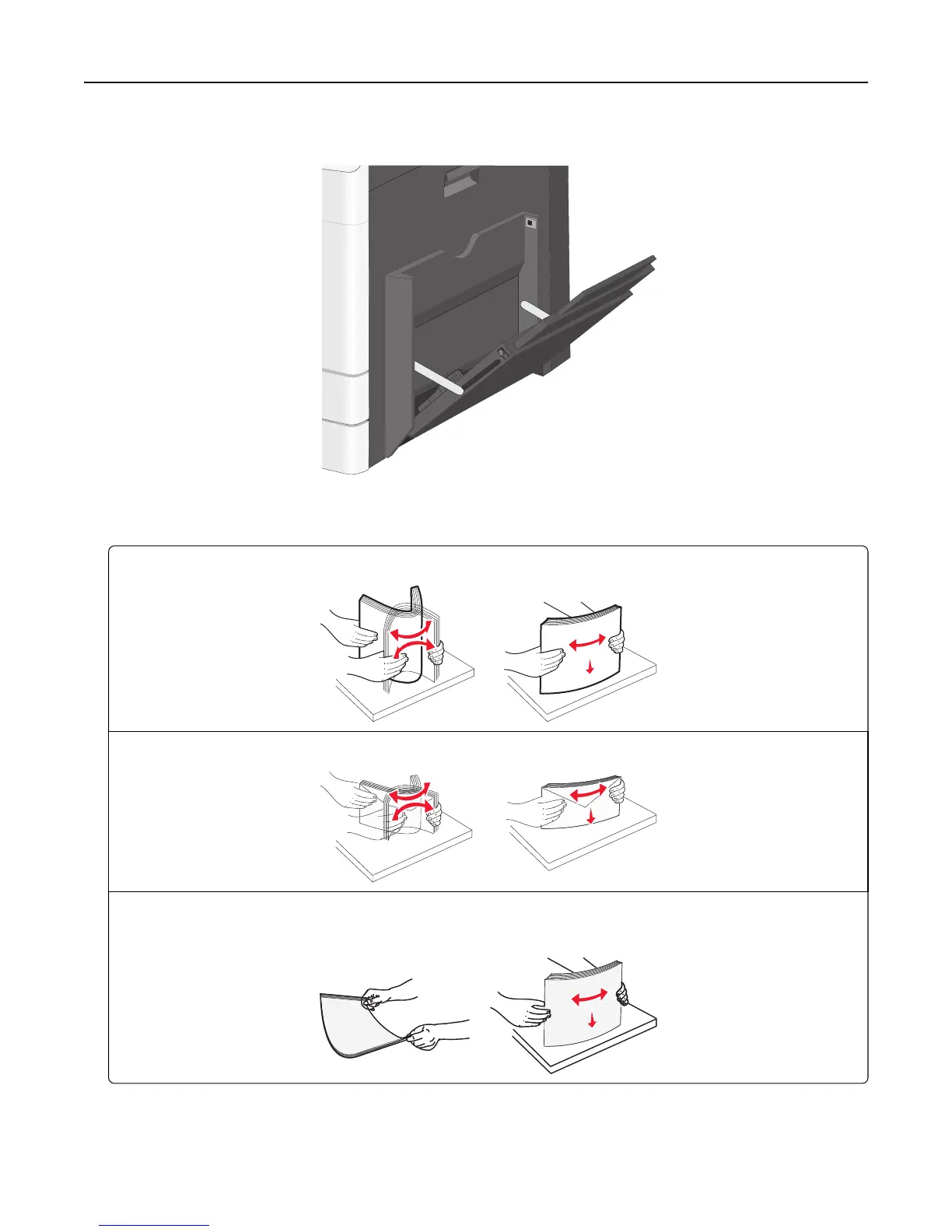
2 Gently pull the extension until it is fully extended.
3 Flex the sheets of paper or specialty media back and forth to loosen them. Do not fold or crease them. Straighten
the edges on a level surface.
Paper
Envelopes
Transparencies
Note: Avoid scratching or touching the print side.
4 Load the paper or specialty media. Slide the stack gently into the multipurpose feeder until it comes to a stop.
Loading paper and specialty media 78



 To Next Page