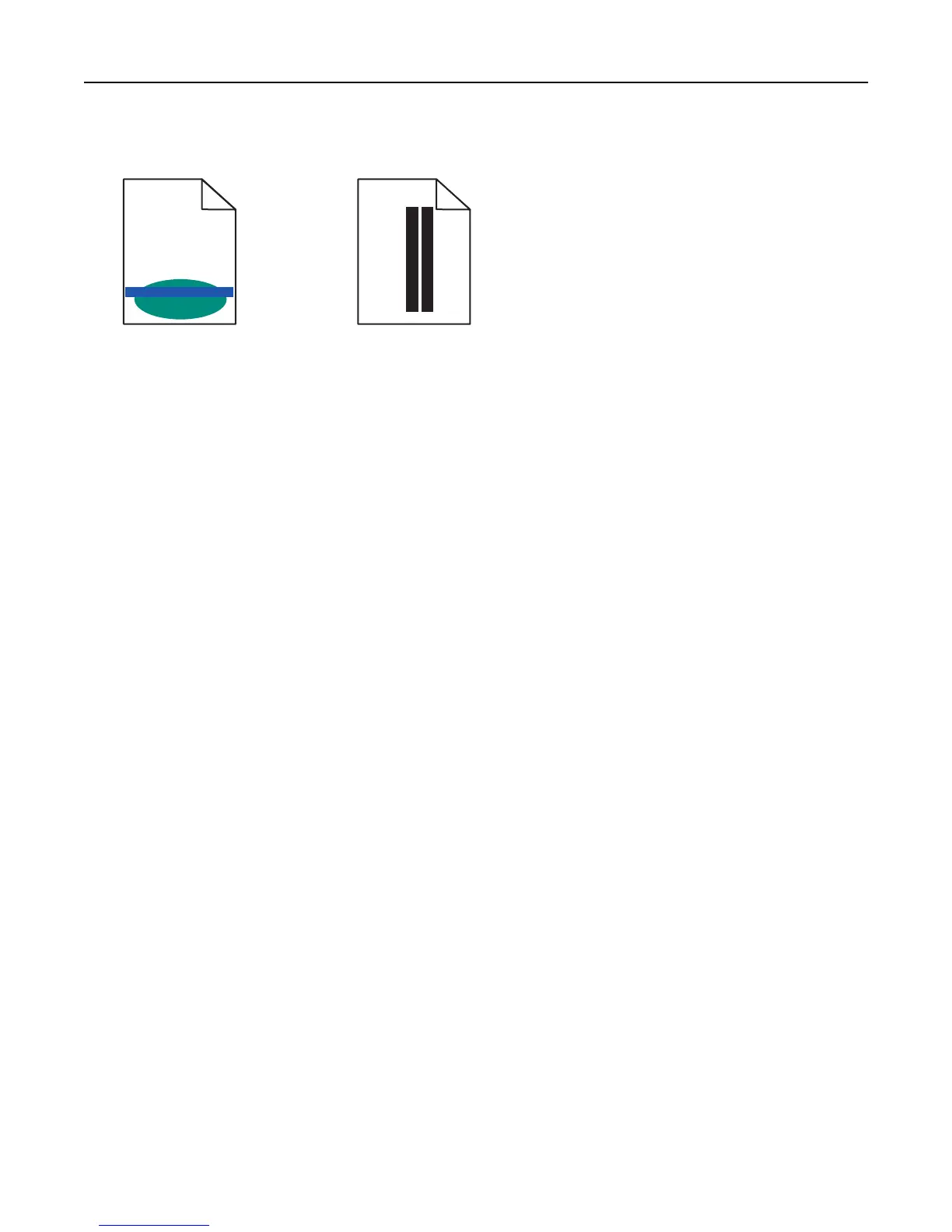
Light colored line, white line, or incorrectly colored line appears on prints
ABCDE
ABCDE
ABCDE
A
BCDE
A
BCDE
Try one or more of the following:
MAKE SURE THERE IS NO DEFECTIVE TONER CARTRIDGE
Replace the defective toner cartridge.
MAKE SURE THE IMAGING UNIT IS NOT DEFECTIVE
Replace the defective imaging unit.
MAKE SURE THE TRANSFER MODULE IS NOT DEFECTIVE
Replace the transfer module.
CLEAN THE PRINTHEAD LENSES
Remove and reinstall the imaging unit. The LED wipe at the end of the imaging unit will rub across the row of LEDs,
thus cleaning the printhead lenses.
Paper curl
Try one or more of the following:
CHECK THE PAPER TYPE AND WEIGHT SETTINGS
Make sure the paper type and weight settings match the paper loaded in the tray or feeder:
1 From the printer control panel Paper menu, check the Paper Type and Paper Weight settings.
2 Before sending the print job, specify the correct paper type setting:
• For Windows users, specify the paper type from Print Properties.
• For Macintosh users, specify the paper type from the Print dialog.
LOAD PAPER FROM A FRESH PACKAGE
Paper absorbs moisture due to high humidity. Store paper in its original wrapper until you use it.
Troubleshooting 202



 To Next Page