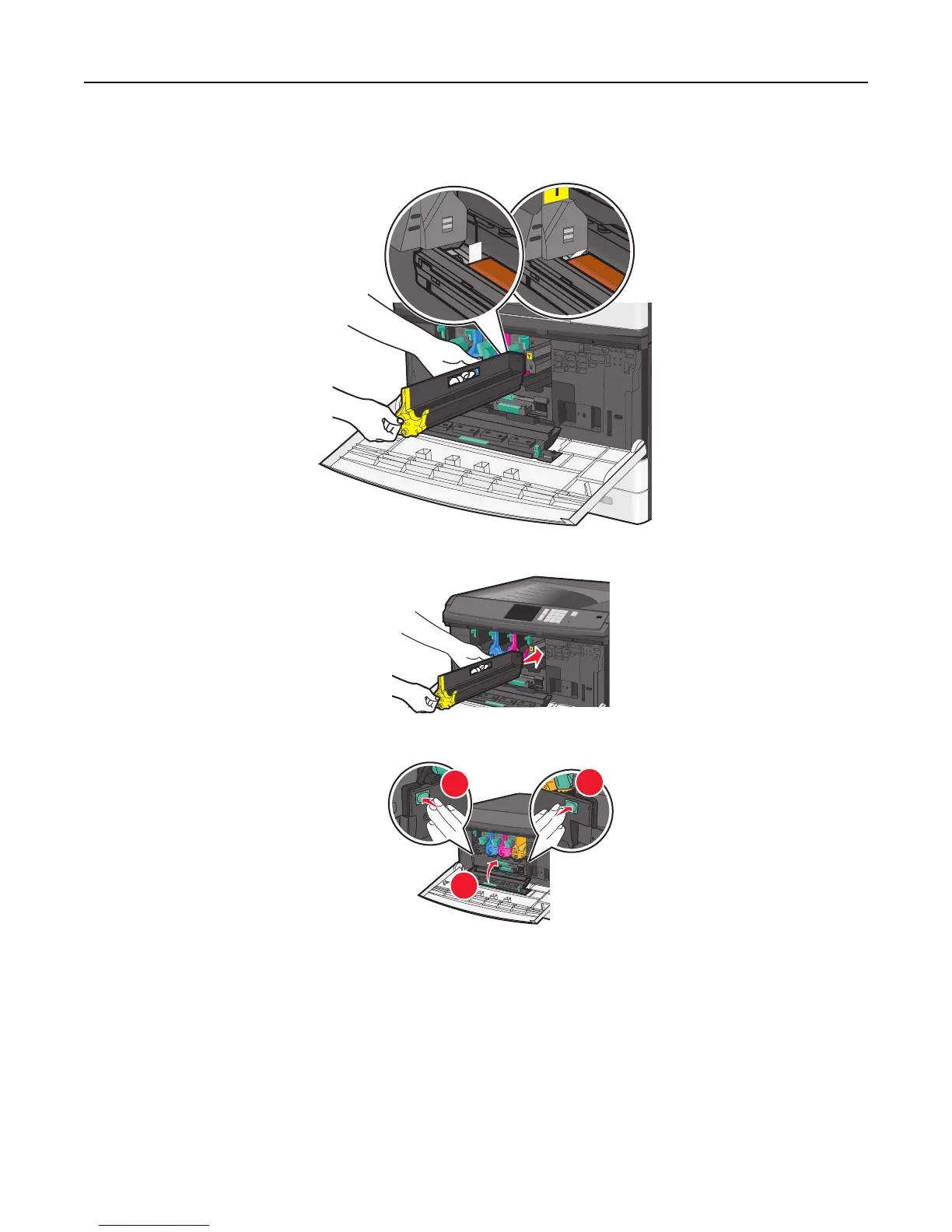
5 Reinstall the imaging unit. When inserted into the printer, the LED wipe will rub across the row of LEDs, thus cleaning
the printhead lenses.
a Insert the imaging unit into the printer until it clicks into place.
b Using both hands, push the sides of the internal cover firmly until the cover clicks into place.
1
2
2
Maintaining the printer 157



 To Next Page