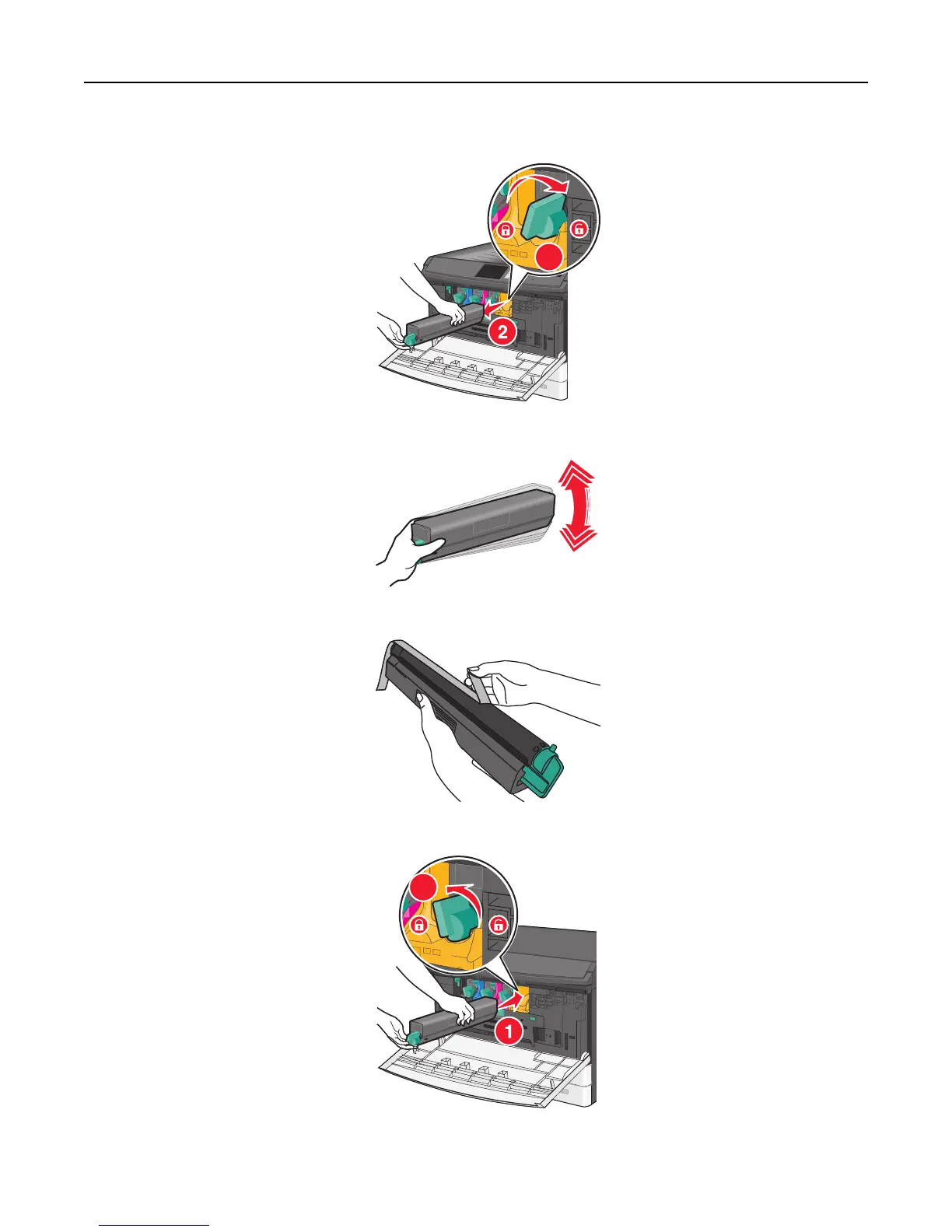
2 Turn the toner lock lever to the right and pull the toner cartridge out.
1
3 Unpack the toner cartridge, and then shake it to redistribute the toner.
4 Peel off the toner sealing tape.
5 Insert the new cartridge into the printer and then turn the toner lock lever to the left.
2
Maintaining the printer 164



 To Next Page