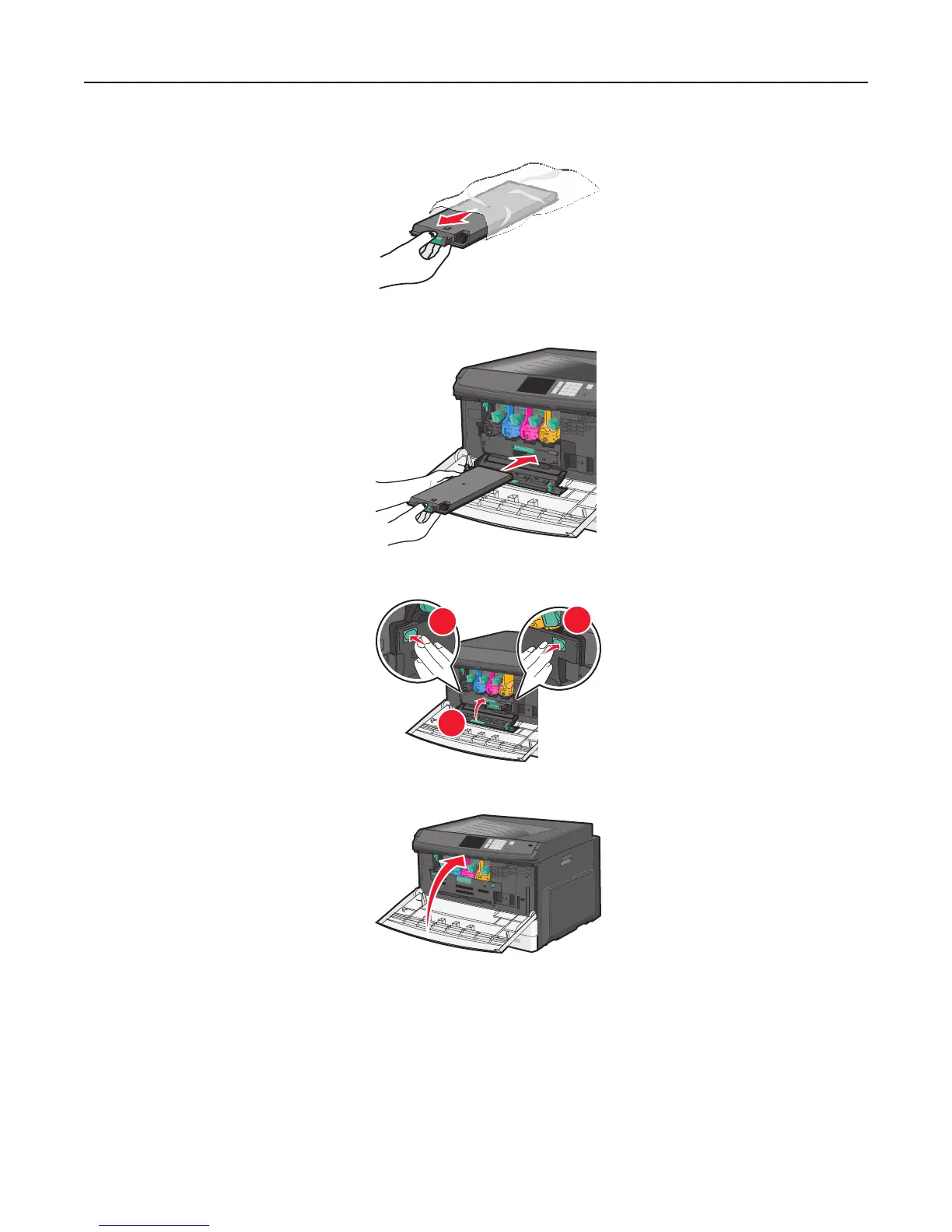
5 Unpack the new waste toner bottle.
6 Insert the new waste toner bottle into the printer.
7 Using both hands, push the sides of the internal cover firmly until it clicks into place.
1
2
2
8 Close the front door.
9 From the printer control panel, reset the Waste Toner Bottle counter in the Supplies menu.
Maintaining the printer 166



 To Next Page