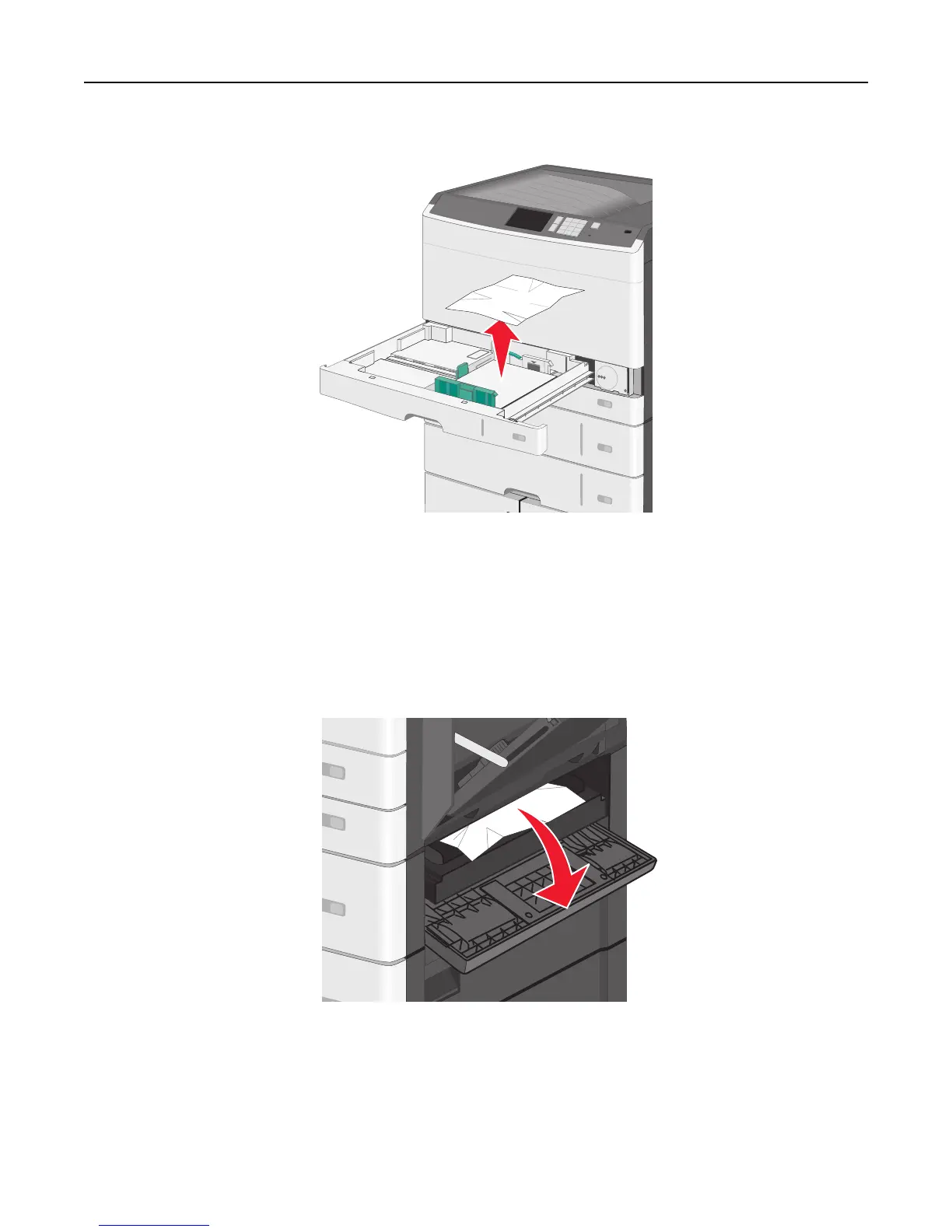
2 Open Tray 1, and then pull the jammed pages straight up and out.
Note: Make sure all paper fragments are removed.
3 Close Tray 1.
4 Touch Continue, jam cleared.
Paper jam in one of the optional trays
1 Check the side access door to trays and then pull the jammed pages out.
Note: Make sure all paper fragments are removed.
Clearing jams 177



 To Next Page