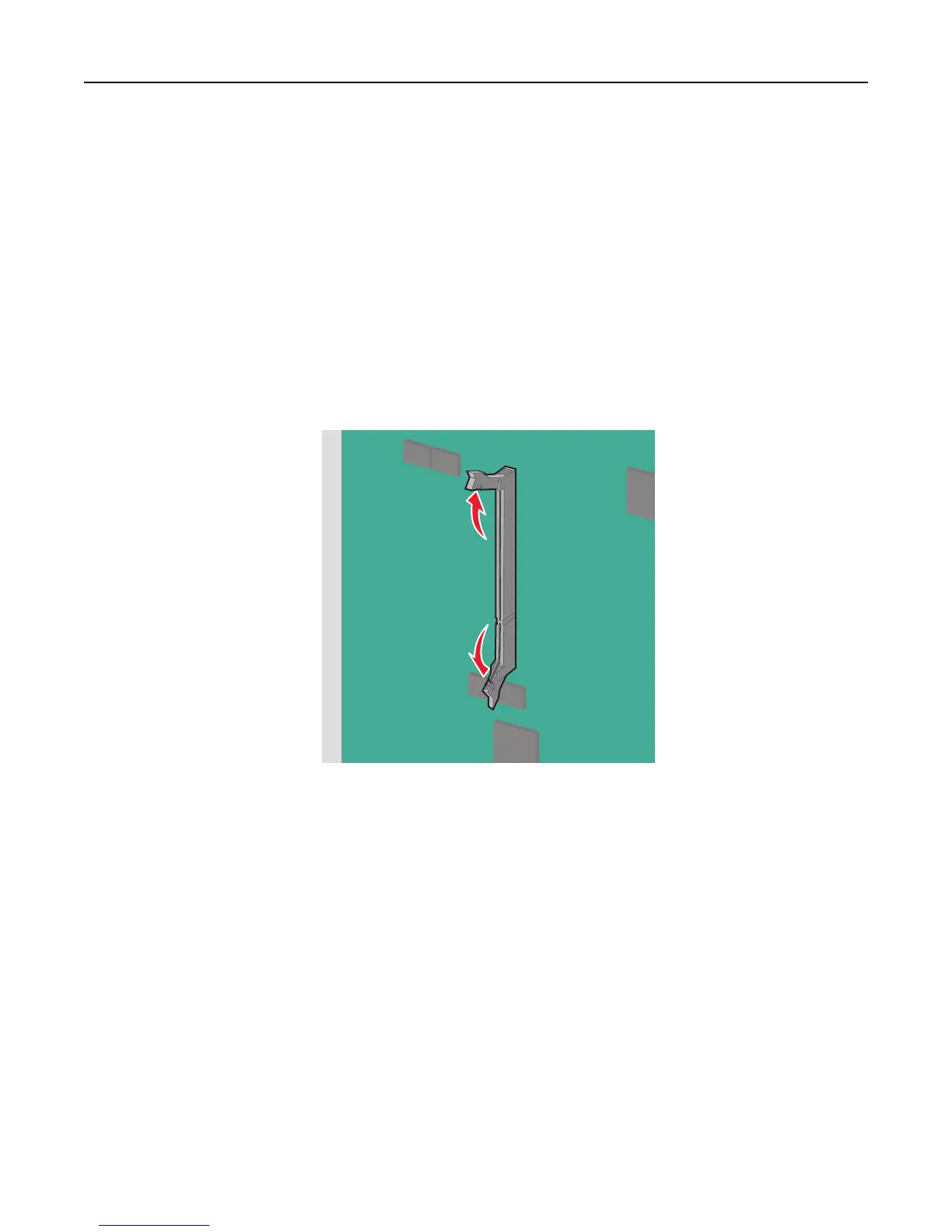
An optional memory card can be purchased separately and attached to the system board.
1 Access the system board.
For more information, see “Accessing the system board” on page 27.
Notes:
• This task requires a flathead screwdriver.
• Do not unplug the fan cable upon opening the metal panel.
Note:
2 Unpack the memory card.
Note: Avoid touching the connection points along the edge of the card.
3 On the system board, open the memory card connector latches.
Additional printer setup 29



 To Next Page