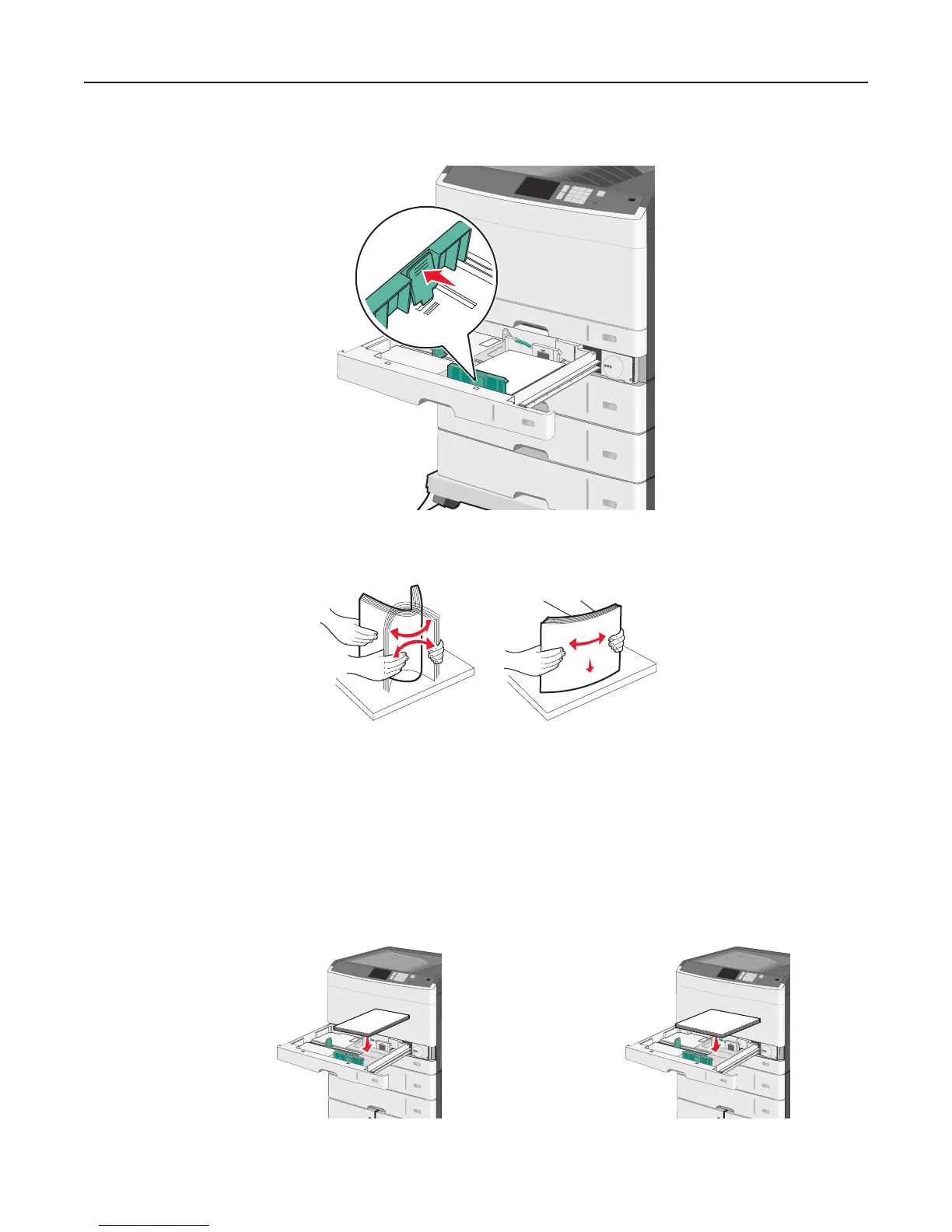
3 Squeeze and then slide the length guide to the correct position for the paper size you are loading.
4 Flex the sheets back and forth to loosen them. Do not fold or crease the paper. Straighten the edges on a level
surface.
5 Load the paper stack with the recommended print side faceup.
Notes:
• If the paper is longer than A4, then load it in short‑edge orientation.
• If the paper is shorter than A4, then load it in long‑edge orientation.
• Make sure the paper is below the maximum fill line located on the edge of the paper tray. Overloading the
tray can cause paper jams and possible printer damage.
Long‑edge orientation Short‑edge orientation
Loading paper and specialty media 75



 To Next Page