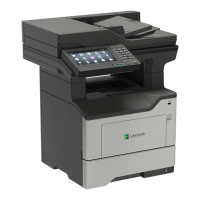
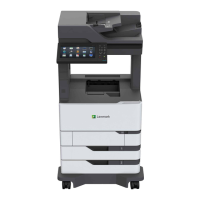
2 x 500-sheet tray bottom right cover removal
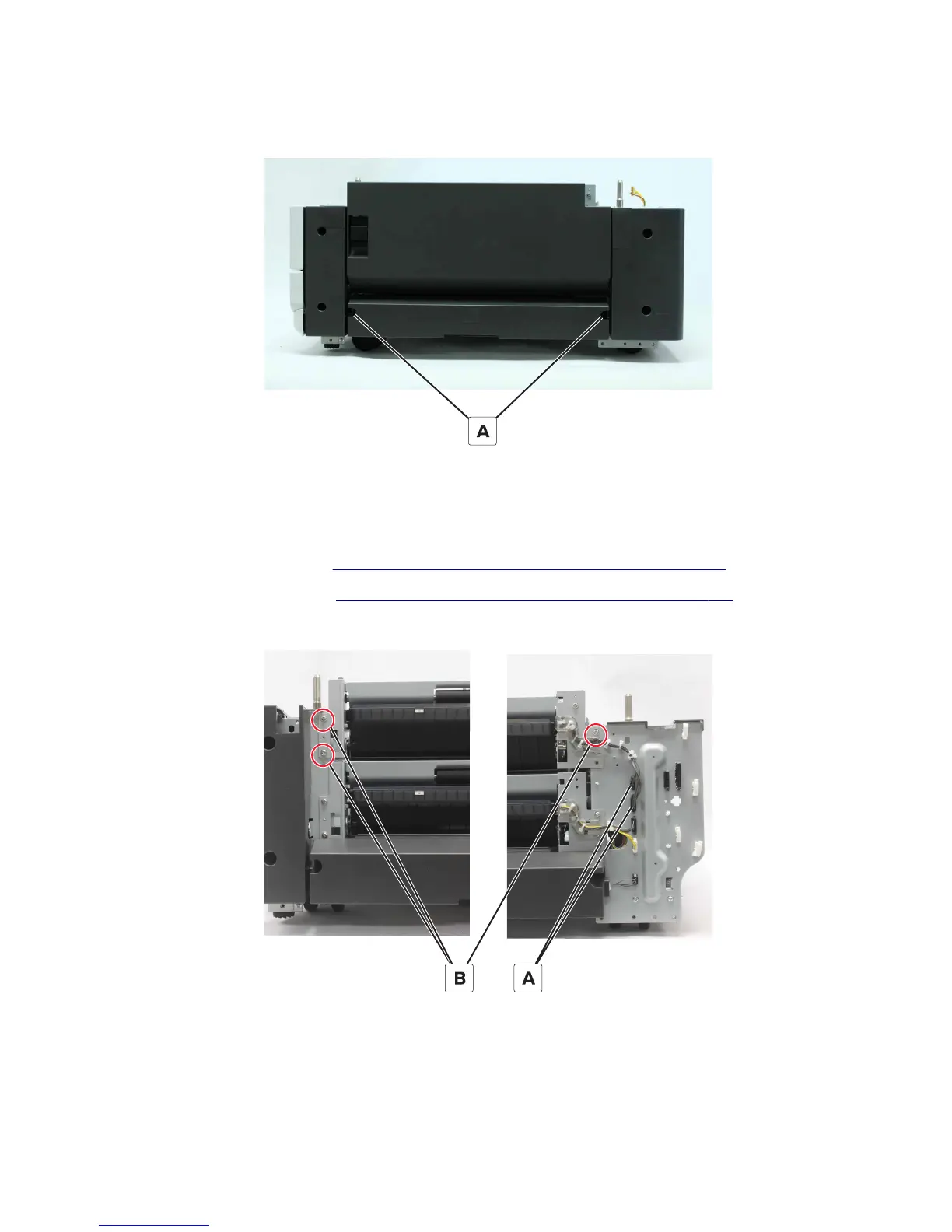
1 Remove the two screws (A).
2 Remove the cover.
2 x 500-sheet tray 3 transport assembly removal
1 Remove the rear right cover. See “2 x 500-sheet tray rear right cover removal” on page 489.
2 Remove the jam access door. See “2 x 500-sheet tray jam access door removal” on page 488.
3 Disconnect the two cables (A), and then remove the three screws (B).
7421
Repair information
490



 To Next Page