Head
83
⏐
GA10218_0101 - 5/2002
6.8 Access Control
Main menu > Access Control
With this menu you can deny or allow access to specific functions of the
PhoeniXL
300
.
6.8.1 Access to CAL function
Main menu > Access Control > Access to CAL function
It can be selected whether the access to the calibration menu is restricted
or not.
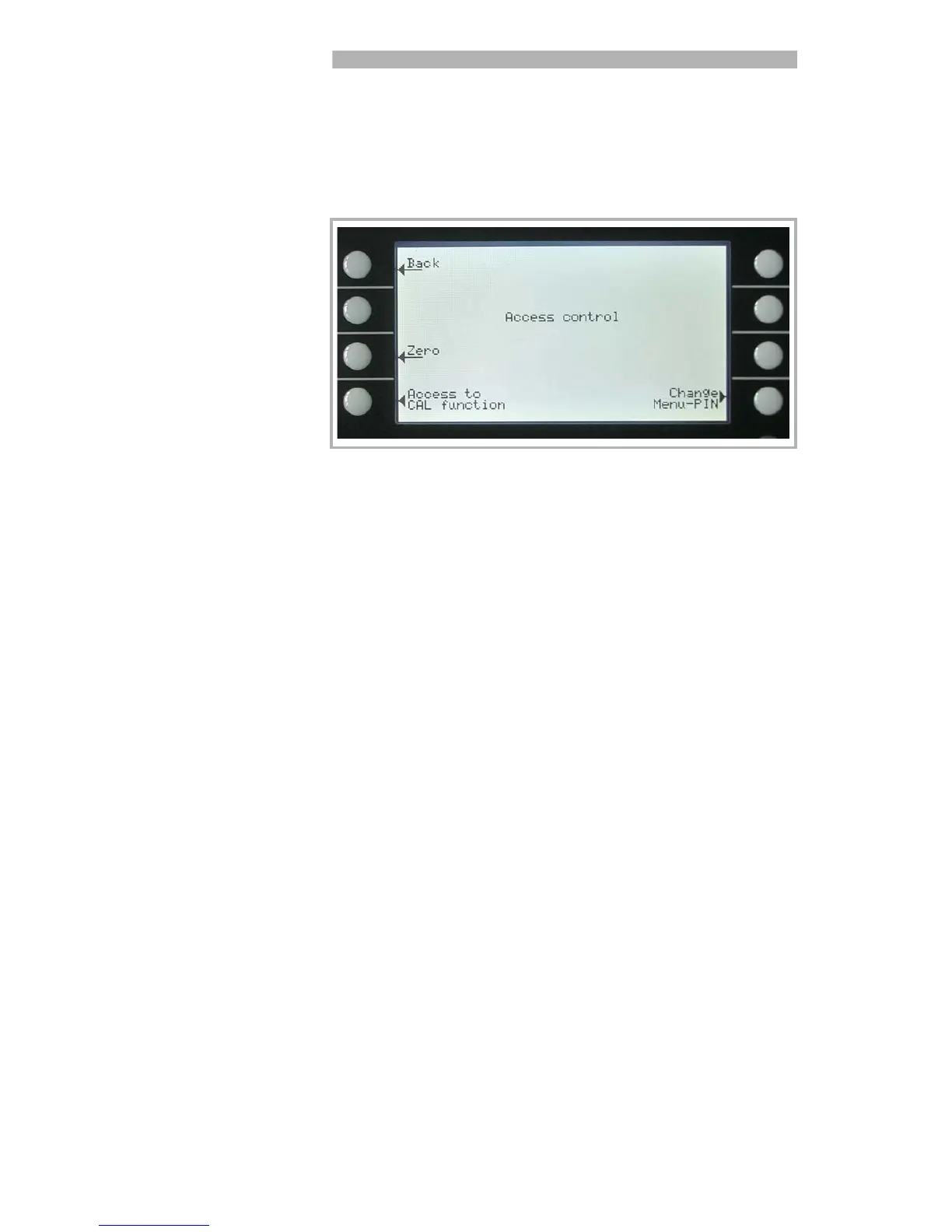
Fig. 28 Display: Access Control Menu
Softkey 3 Access to Zero function
See chapter 6.8.1
Softkey 4: Access to CAL function
See chapter 6.8.2
Softkey 8: Change Menu-PIN
See chapter 6.8.3
Softkey 3: Off
The calibration function is only available at the main menu. If the Menu-
PIN (See Chapter 6.8.2) is activated you need this PIN to start a calibra-
tion. Default setting.
Softkey 5: ?
Help text
Softkey 7: ON
The calibration function is available at the main menu and in Stand-by and
the measure mode. See Chapter 7.2



 To Next Page