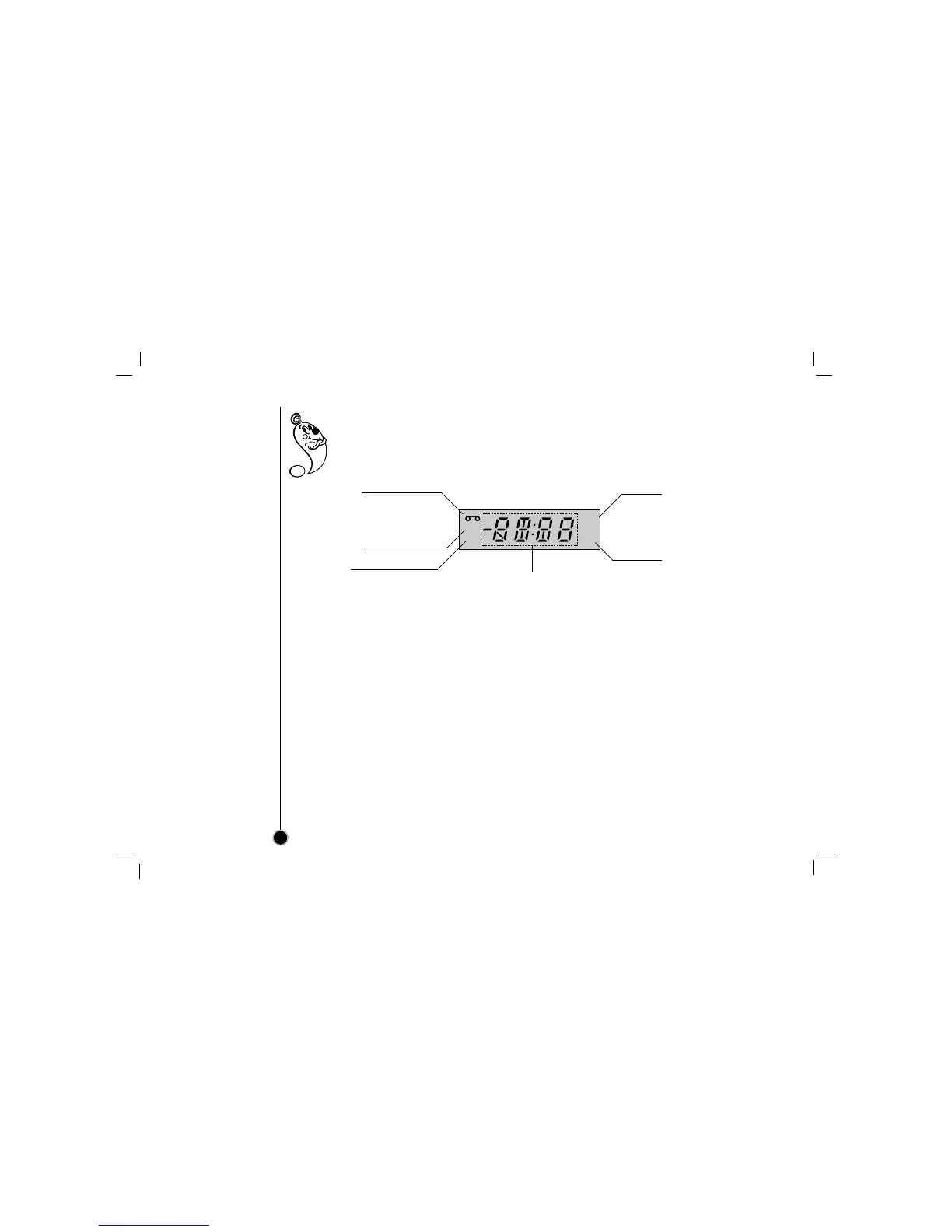
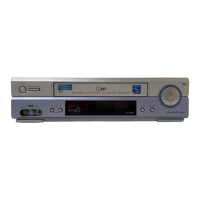
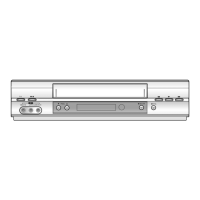
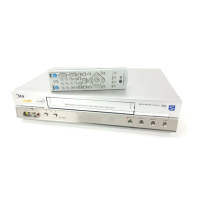
Display window
Information appears in the display window depending on the VCR function being used.
Display window shows which VCR function you are using. For example, when you press PLAY, PLAY
appears to indicate the tape operation. As you change channels, the channel numbers appear. The
current time shows even while the VCR is off.
10
Front Panel Display shows which VCR function you
are using. For example, when you press SP/EP, SP
or EP appears to indicate the tape speed. As you
change channels, the channel numbers appear. The
current time shows even while the VCR is off.
HI — VCR is turned on.
BYE — VCR is turned off.
CUE — Tape is advancing rapidly in playback mode
for visual search.
-CUE — Tape is reversing rapidly in playback mode
for visual search.
FF (Fast Forward) — Tape is advancing rapidly.
L_ (Line_) — Auxiliary channel is selected for
viewing equipment connected to Audio/Video jacks
on the VCR.
PLAY — Tape is playing at normal playback speed.
REW (Rewind) — Tape is rewinding rapidly.
SLW (Slow) — Tape is playing at slow-motion for-
ward speed.
STL (Still) — Playback is halted on one frame.
STOP — Tape rewind or playback is stopped.
CH _ — VCR tuned to Channel _.
Cassette indictor
Lights while a cassette is
inserted, and flashes while
ejecting a cassette.
Record indicator
VCR indicator



 To Next Page