Tuning in TV Stations
Automatically and Manually
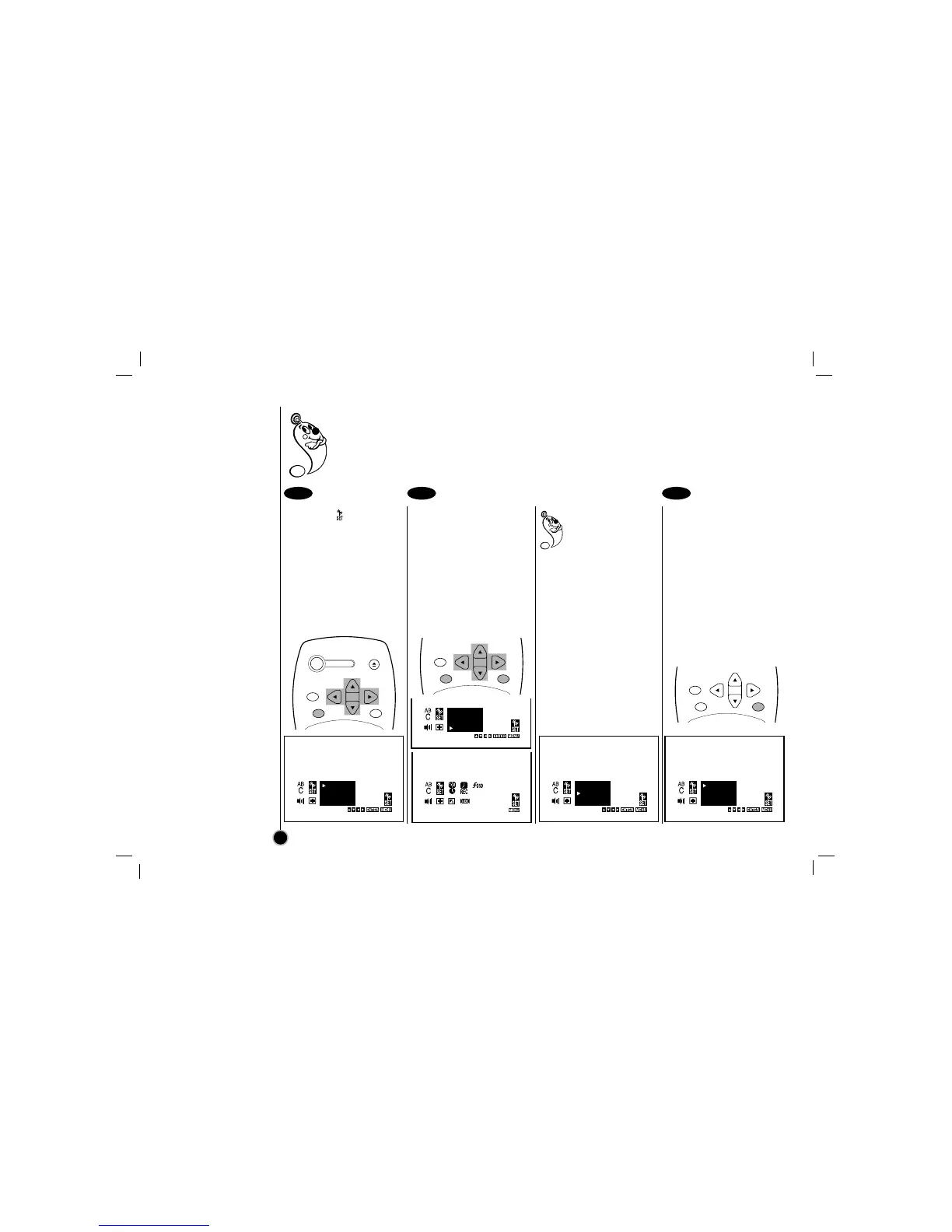
Select the item on the
main menu with
FF
or
GG
,
and then press ENTER.
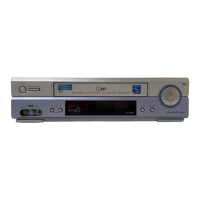
Press
EE
to choose the
SEARCH item, then
press ENTER.
All available channels in your
area are scanned and stored
in the memory of the VCR.
After scanning, the previous
screen returns.
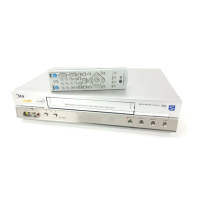
Press MENU to exit the
menu.
When you perform the
Auto Channel Set, the
VCR automatically
selects the band (TV or
CATV) in which there are
more channels to be preset.
Remember, TV is for the air
antenna reception, CATV is
for cable or wireless cable
connection.
You can change the band
by pressing
EE
or
DD
to
choose second item, then
press ENTER to display
TV or CATV.
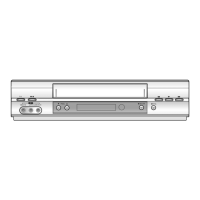
Adding or Deleting VCR
channels manually
① Select a channel using the
Number buttons to add or
CH (+/–) to delete.
② Follow Step
➊
, then
press
EE
or
DD
to choose
the first item, then press
ENTER to display ADD or
DEL (Delete).
Press MENU to exit the
menu.
This convenient Auto Channel Set function can preset up to 181 channels in your area (VHF channels 2 to
13, UHF channels 14 to 69 and CATV channels 1 to 125) on the VCR.
14
1 2 3



 To Next Page