ez (easy)
operation
27
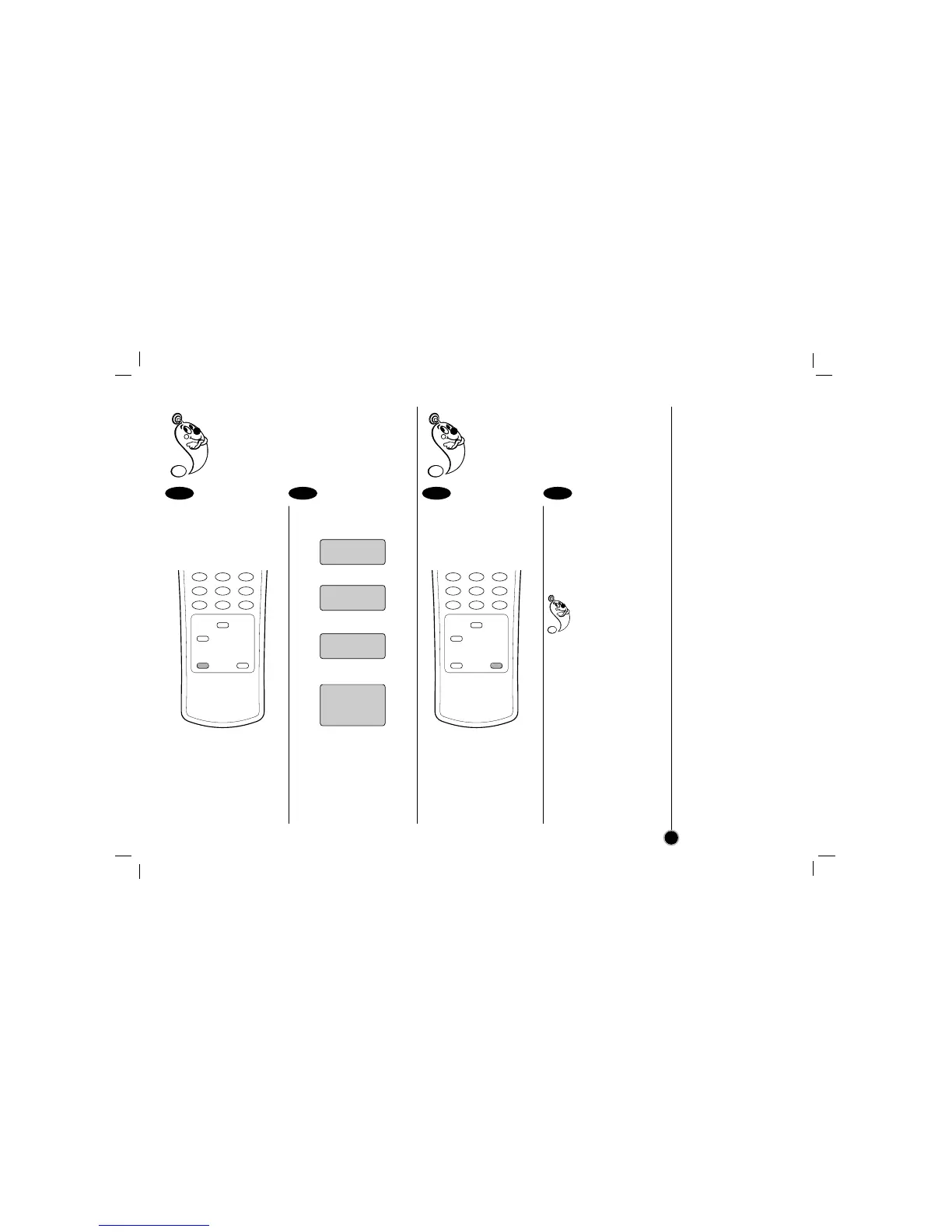
ez (easy) Power Off
Sequence of “Stop → Rewind → Eject →
Power Off” is operated automatically by
pressing ez POWER OFF.
During playing back press
ez POWER OFF.
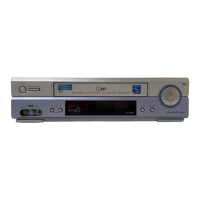
Your VCR will be operat-
ed as the follow;
▼
▼
▼
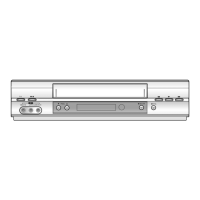
During playing back,
press and hold ez
REPEAT at the point
where repeat play is to be
concluded.
Then, your VCR is start-
ed reverse search.
Release ez REPEAT at
the point where repeat
play is to start.
The holding section is
replayed twice automati-
cally.
Pressing ez REPEAT
again during repeat
play, return to
normal play.
1 2 1 2
ez (easy) Repeat
By pressing and holding ez REPEAT during
playing back, the holding section is replayed
twice automatically.



 To Next Page