Auto power shut-off; This feature is especially helpful when you finish watching a tape.
OPR (Optimum Picture Response); This feature automatically improves playback picture quality by
adjusting your VCR to the condition of the tape.
Slow Motion Playback
Press SLOW during
playback.
The tape will be played back
at a speed 1/19 times slower
than the normal speed.
During slow playback,
TRK (+/–) on the Remote
Control can be used to
minimize noise bands.
When the slow mode
continues for more than
3 minutes, the VCR will
automatically change to play
mode.
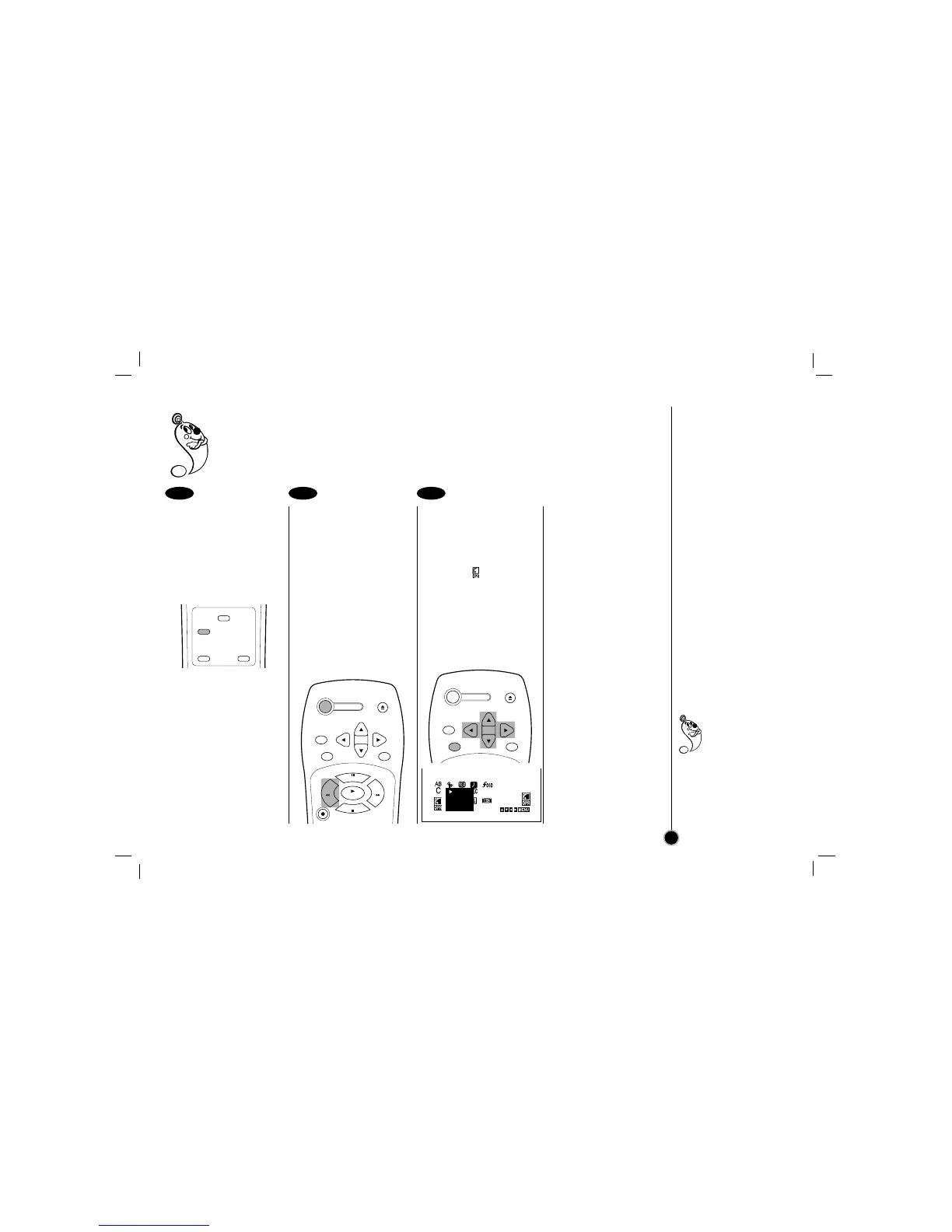
Auto power shut-off
During the REWIND
mode, press POWER
once.
The VCR will enter the
Auto power shut-off
mode.
The REW will flash.
After tape is rewound,
VCR will turn off
automatically.
OPR (Optimum Picture
Response):
You may only set OPR
when playing a tape.
Select the item on the
main menu with
FF
or
GG
and then press ENTER.
Select a desired OPR
mode (OFF, SOFT or
HARD) with
DD
or
EE
and
then press
FF
or
GG
.
1 2 3
How to
Play back a tape
(Others)
17
Select “OPR-SOFT”
to make a picture
more soft.
Select “OPR-HARD” to
make a picture more
sharp.
You may only set OPR
when playing a tape.



 To Next Page