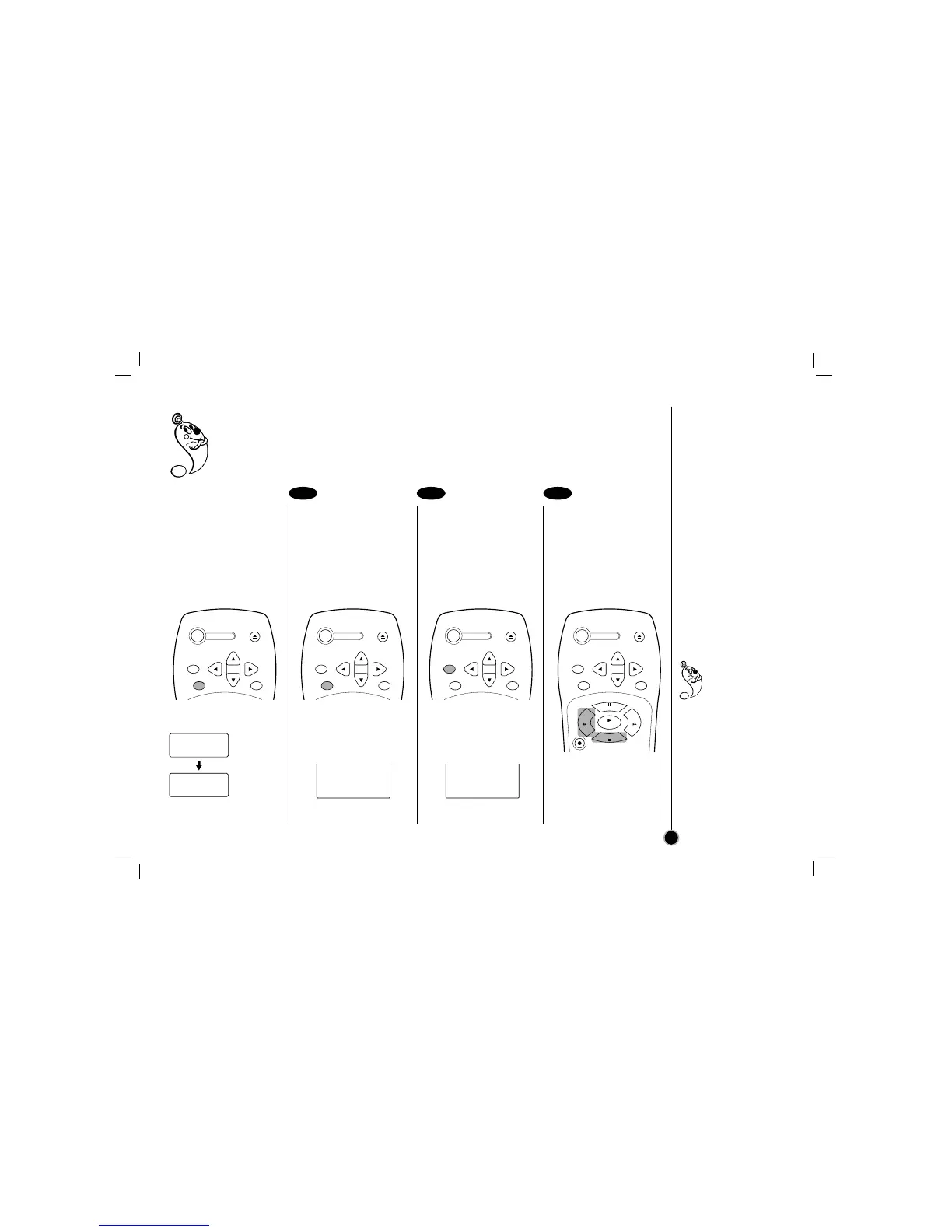
Real-time counter: Shows length of tape run in hours, minutes, and seconds.
Counter memory: This is useful if there is a section of tape you want to view immediately after recording
or if you want to return to the same point several times.
Real-time counter
Press the ENTER to
select the real-time
counter display.
Every press of the ENTER
changes the TV screen as
illustrated below.
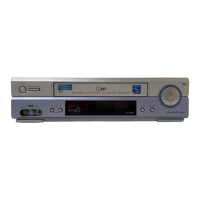
Counter memory
Press the ENTER
repeatedly to display the
tape counter on the TV
screen.
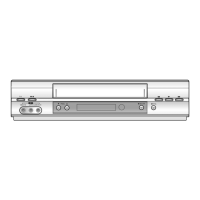
Press CLEAR at the
point you want to locate
later.
The tape counter on the TV
screen resets to “M 0:00:00”.
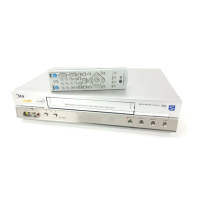
After playback or
recording, press STOP,
then REW.
The tape automatically stops
when the tape counter
returns to about “M 0:00:00”.
1 2 3
Real-time counter
Counter memory
25
M 0:35:40
M 0:00:00
Clock
Real-time
counter
TV Screen
Counter memory does
not work during
fast-forward and
Auto rewind.
When you insert a
cassette, the tape counter
is reset to “M 0:00:00”.
The real-time counter does
not operate when nothing
is recorded on the tape.
The real-time counter does
not work when the tape is
not inserted.



 To Next Page