This VCR is equipped with the VHS Hi-Fi audio sound system for recording and playback. The information
below gives a brief description of Hi-Fi audio and how to record and play a tape in the Hi-Fi audio
mode.
To enjoy the Hi-Fi stereo system, you connect your VCR’s AUDIO(L/R)/VIDEO OUT jacks to the
AUDIO(L/R)/VIDEO INPUT jacks on back your TV (or another A/V system) using the A/V cable.
Hi-Fi Stereo System
MTS Broadcast
Audio output selection
23
Audio output selection
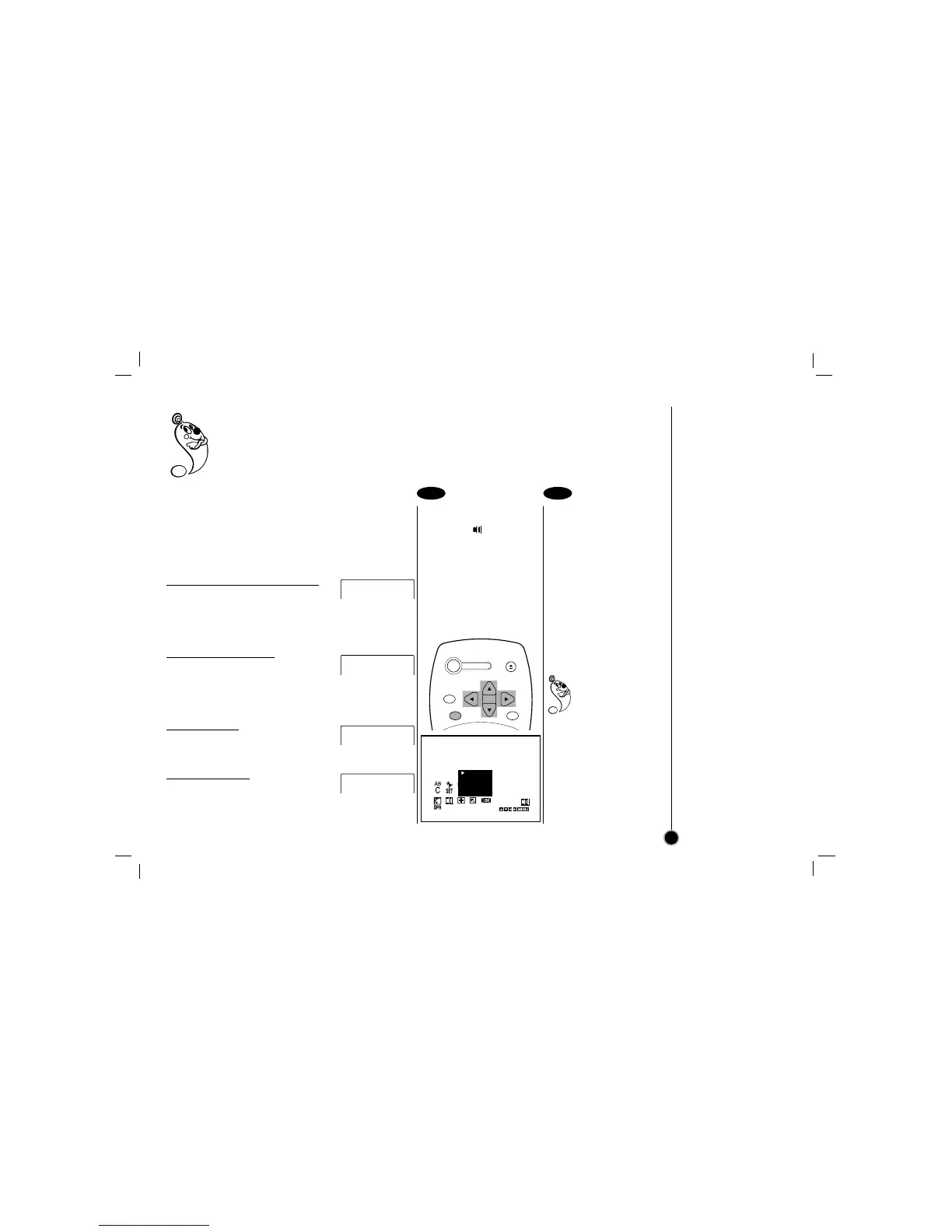
Select the item on the
main menu with
FF
or
GG
and then press ENTER.
Select a desired audio
output mode (STEREO,
LEFT, RIGHT, or MONO)
with
DD
or
EE
and then
press
FF
or
GG
.
STEREO- The left
channel sound (L) is heard
from the left speaker and the
right channel sound (R) is
heard from the right speaker.
LEFT- The left channel
sound (L) is heard from both
speakers.
RIGHT- The right channel
sound (R) is heard from both
speakers.
MONO- The monaural sound
is heard from both speakers
(playback mode only).
If audio output selection
is selected at STEREO
position while playing a
prerecorded SAP audio
program, the main
language (Left) and the sub
language (Right) will be
heard simultaneously.
For SAP BILINGUAL
playback do not use
STEREO position. Select the
RIGHT position.
1 2
Receivable Broadcast types
The following are possible audio broadcast type and
on screen displays.
Press ENTER to display the broadcast signal
currently being received.
MTS Stereo and SAP
broadcast
Multi-channel Television Sound Stereo
(main language) and Secondary Audio
Program (sub language) broadcasts are
being received simultaneously. Select
STEREO or SAP broadcast type mode.
MTS Stereo broadcast
Multi-channel Television Sound Stereo
broadcast. Select STEREO. If a stereo
broadcast is weak and the display
flickers, you may want to select the
MONO audio mode for better picture.
SAP broadcast
Secondary Audio Program (sub
language) broadcast. Select SAP audio
mode for the sub language.
MONO broadcast
Normal monaural sound broadcast.
STOP CH 4
SP STEREO/SAP
STOP CH 4
SP STEREO
STOP CH 4
SP SAP
STOP CH 4
SP MONO



 To Next Page