Hi-Fi Stereo System
Broadcast type selection for recording
SAP Recording
Broadcast type
selection for recording
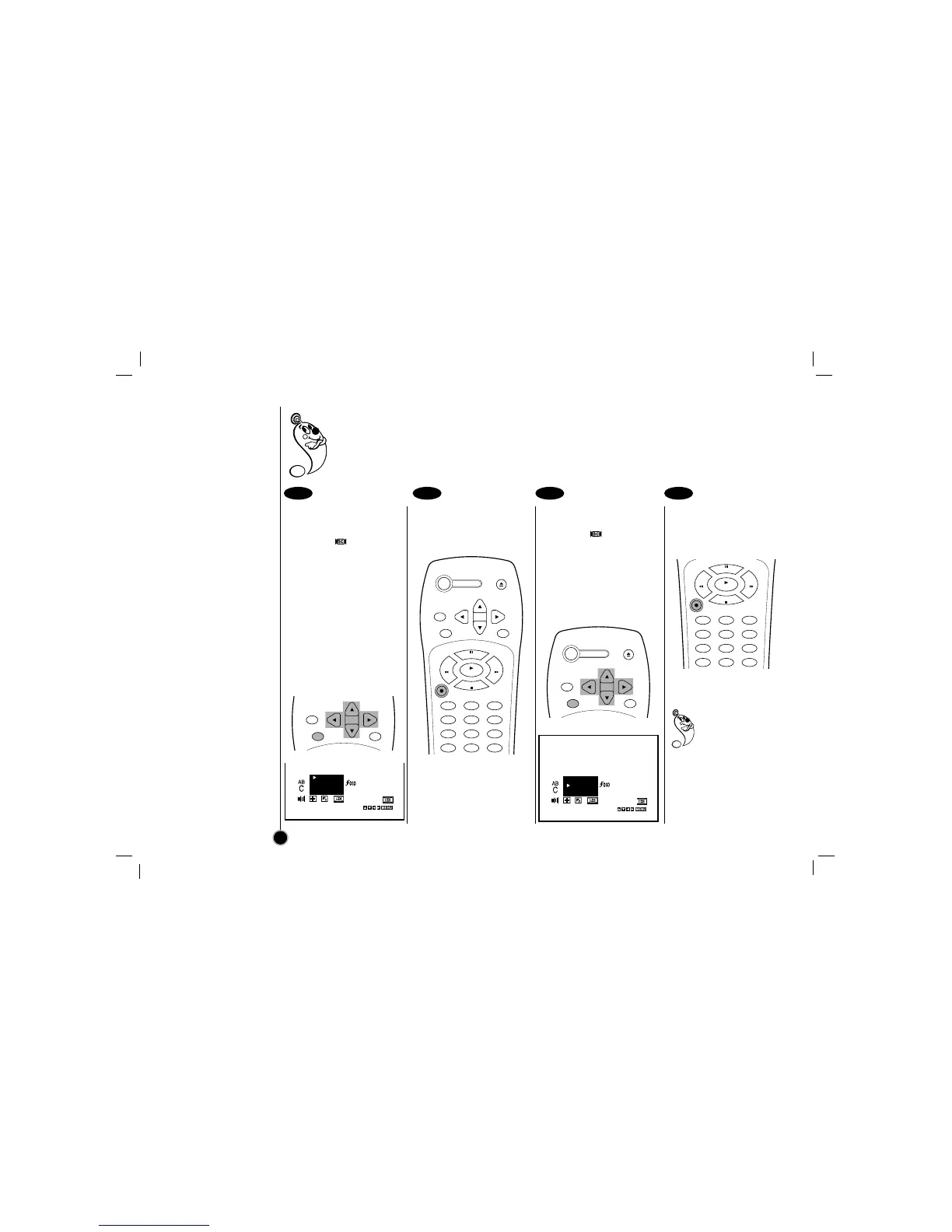
Select the item on the
main menu with
FF
or
GG
and then press ENTER.
Select a desired
Broadcast type mode
(STEREO, SAP, or
MONO) with
DD
or
EE
and
then press
FF
or
GG
.
Please refer to the
“Receivable Broadcast
types” section on the
previous page.
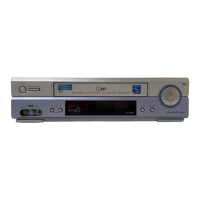
Do a recording.
Follow “Normal recording”
section on the 18 page.
SAP (Second Audio
Program) recording
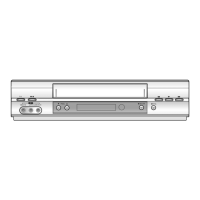
Select the item on the
main menu with
FF
or
GG
and then press ENTER.
Select Broadcast type to
SAP with
DD
or
EE
and
then press
FF
or
GG
.
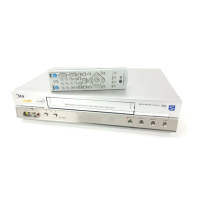
Do a recording.
Follow normal recording
section on the 18 page.
Do the SAP (Second
Audio Program)
recording if only the
SAP appears on the
TV screen. Please refer to
the “Receivable Broadcast
types” section on the
previous page.
Broadcast type selection for recording: You can select the broadcast audio format (STEREO, SAP or
MONO) to use when recording. We recommend using STEREO.
SAP (Secondary Audio Program; sub language) recording: Some stations transmit a Second
Audio Program, which is used for a sub language or additional information. When the station
broadcasts a Second Audio Program, follow the procedure below to record the SAP.
24
1 21 2



 To Next Page