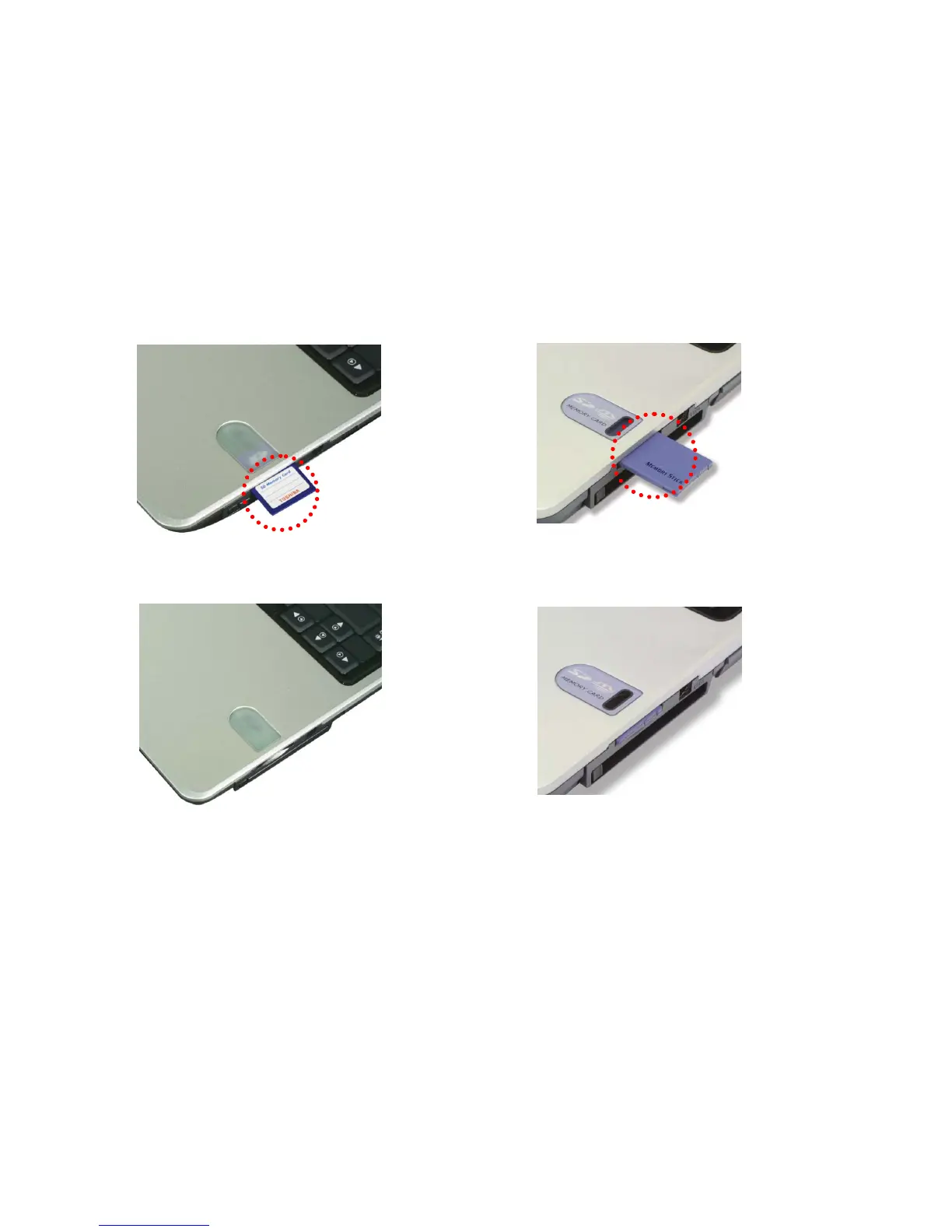
Using an SD Memory Card / SONY Memory Stick
Your computer can read from and write to an SD Memory Card / Memory Stick.
Note: Photo images may look different from the actual product.
Inserting an SD Memory Card / Memory Stick
Turn on the computer, and place the SD Memory Card / Memory Stick in the SD
Memory Card slot.
- 99 -
Push the SD Memory Card / Memory Stick into the slot until it clicks.
Removing the SD Memory Card / Memory Stick
1. Press the SD Memory Card / Memory Stick with the tip of your finger.
2. The SD Memory Card / Memory Stick ejects.
Note:
Below mentioned functions are not offered by each product
*IEEE1394 / Wireless LAN / SD Memory card / S-Video port / IrDA port/
Memory Stick



 To Next Page