Security keyhole: User can attach a separately purchased chain lock into the
security keyhole and connect it to a fixed object to prevent a notebook theft.
Note:
A position of security keyhole can be different from the model type.
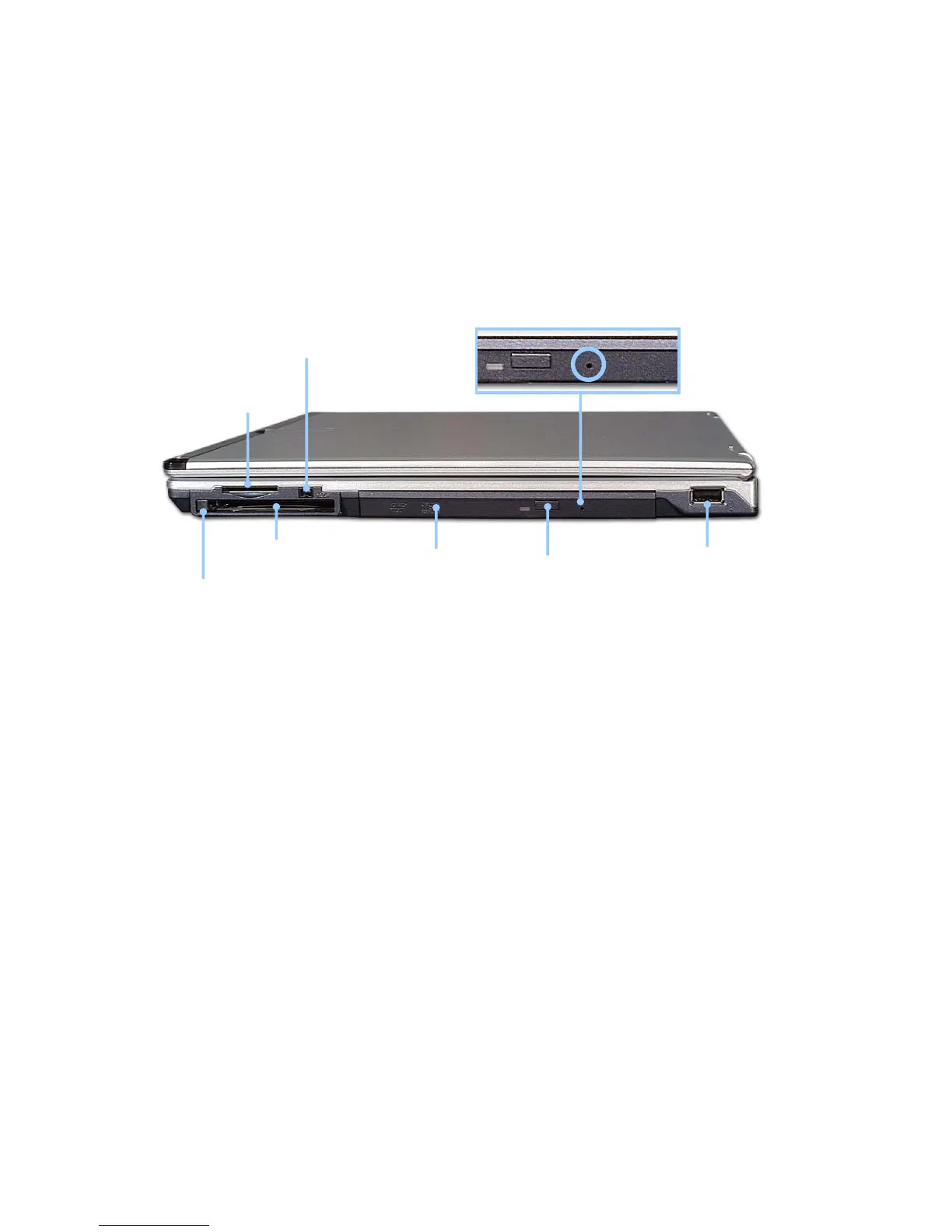
Right view
USB port
DVD drive
eject button
DVD Drive
PC Card eject button
IEEE 1394 port
PC Card slot
Emergency
eject hole
SD Memory Card
/Memory Stick Slot
Emergency eject hole: Insert a thin and hard pin into this hole, and you can open the
disc tray manually.
Note:
Below mentioned functions are not offered by each product
*IEEE1394 / Wireless LAN / SD Memory card / S-Video port / IrDA port
Memory Stick
Your computer has a built-in DVD-ROM, CD-ROM, or CD-RW/DVD-ROM combo
drive depending on the model type.
- 28 -



 To Next Page