Recovering the factory default settings
If a user accidentally modifies the system setup, follow the instruction below
to recover the factory default settings.
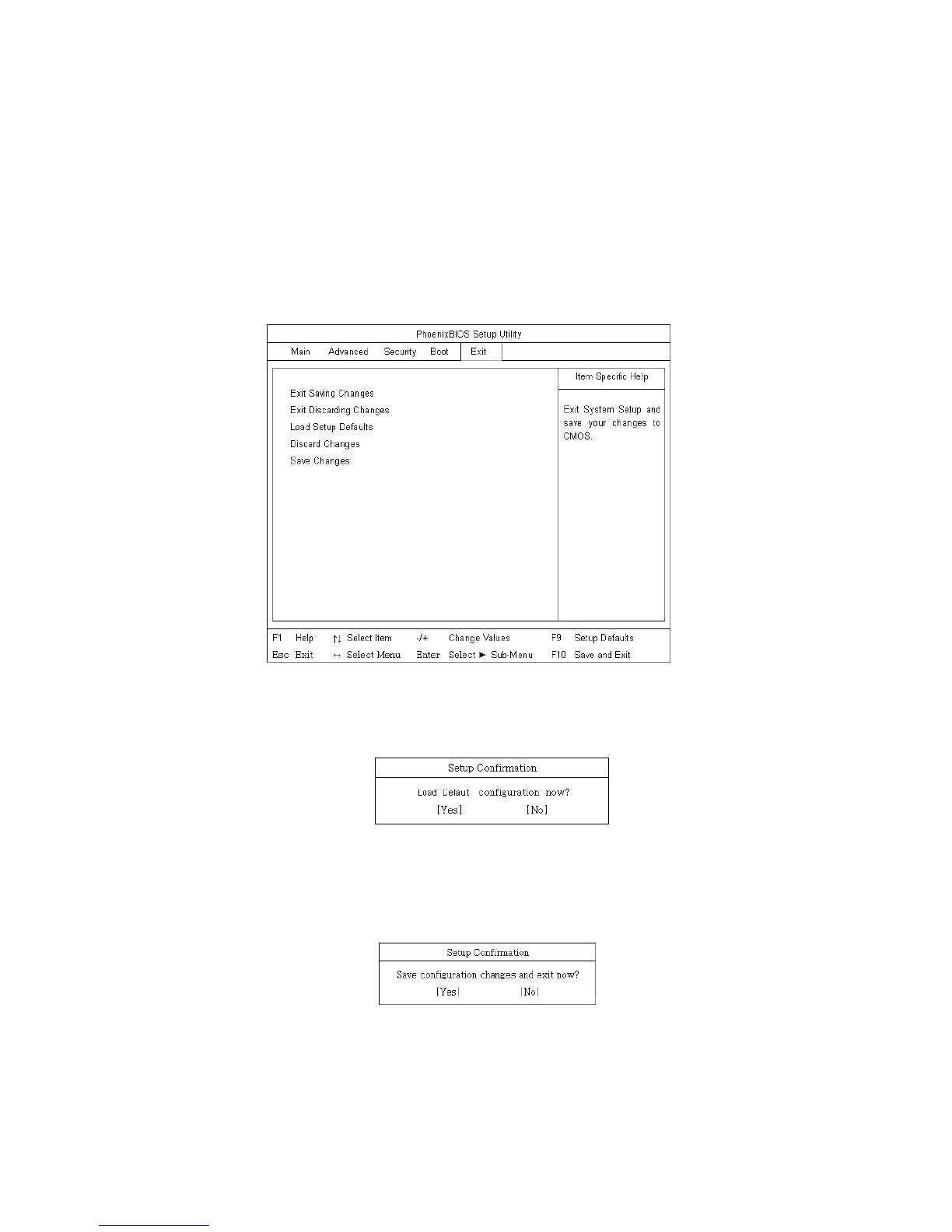
Start the BIOS Setup Utility, and use arrow keys to select Exit.
Use arrow keys to select Load Setup Defaults, and press Enter.
If the following message appears, select Yes and press Enter to recover the factory
default settings.
Press F10 to save the new settings.
If the following message appears, select Yes and press Enter to restart the computer.
- 88 -



 To Next Page