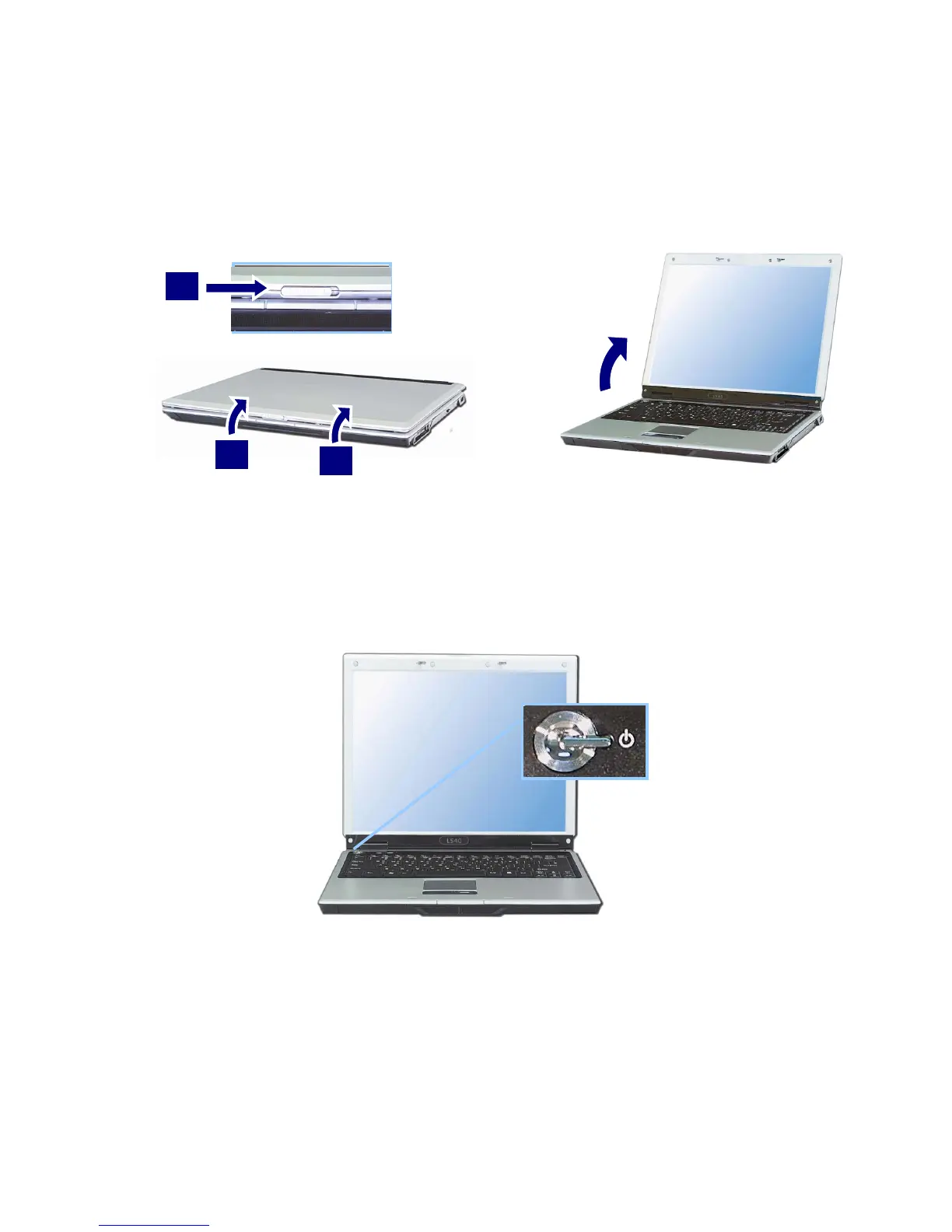
Opening and positioning the LCD panel
Push the latch button in the direction of the arrow1, and open the display panel 2.
Adjust the slope of the display panel for comfortable viewing.
1
2
2
Power switch
Press the power switch to turn on the computer.
Note:
The power switch, volume up/down buttons are coated for preventing
static electricity purposes.
- 35 -



 To Next Page