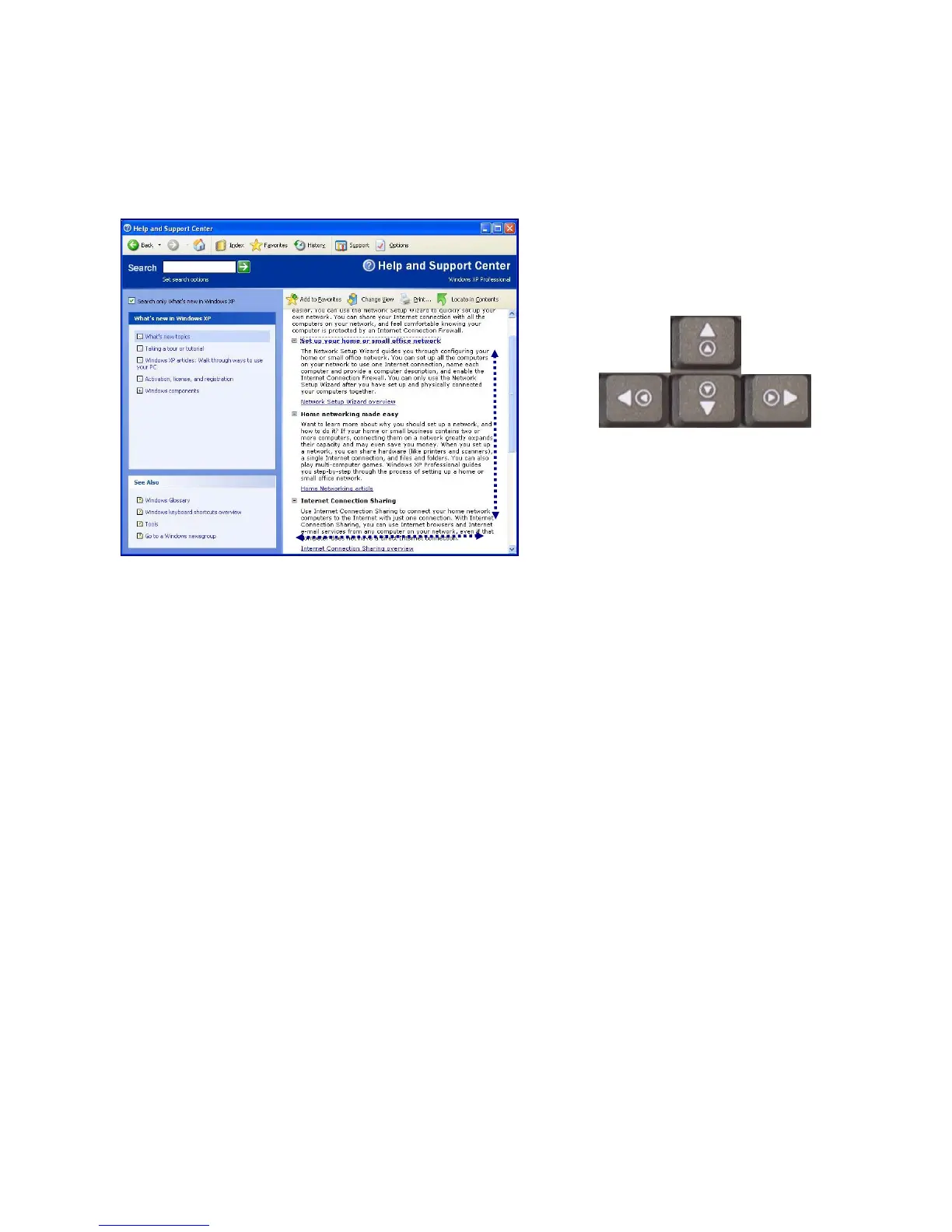
Using the scroll up/down function
Your computer supports scroll function. When using scroll function, mouse
cursor at the arrow does not move. Only the scroll function will move.
You can use the scroll up/down function by pressing Fn + direction key.
In a program window with a scroll bar, you can move up and down the
windows using Fn + direction key. When you scroll a window using the
scroll up/down function, the pointer on the screen does not move
- 82 -



 To Next Page