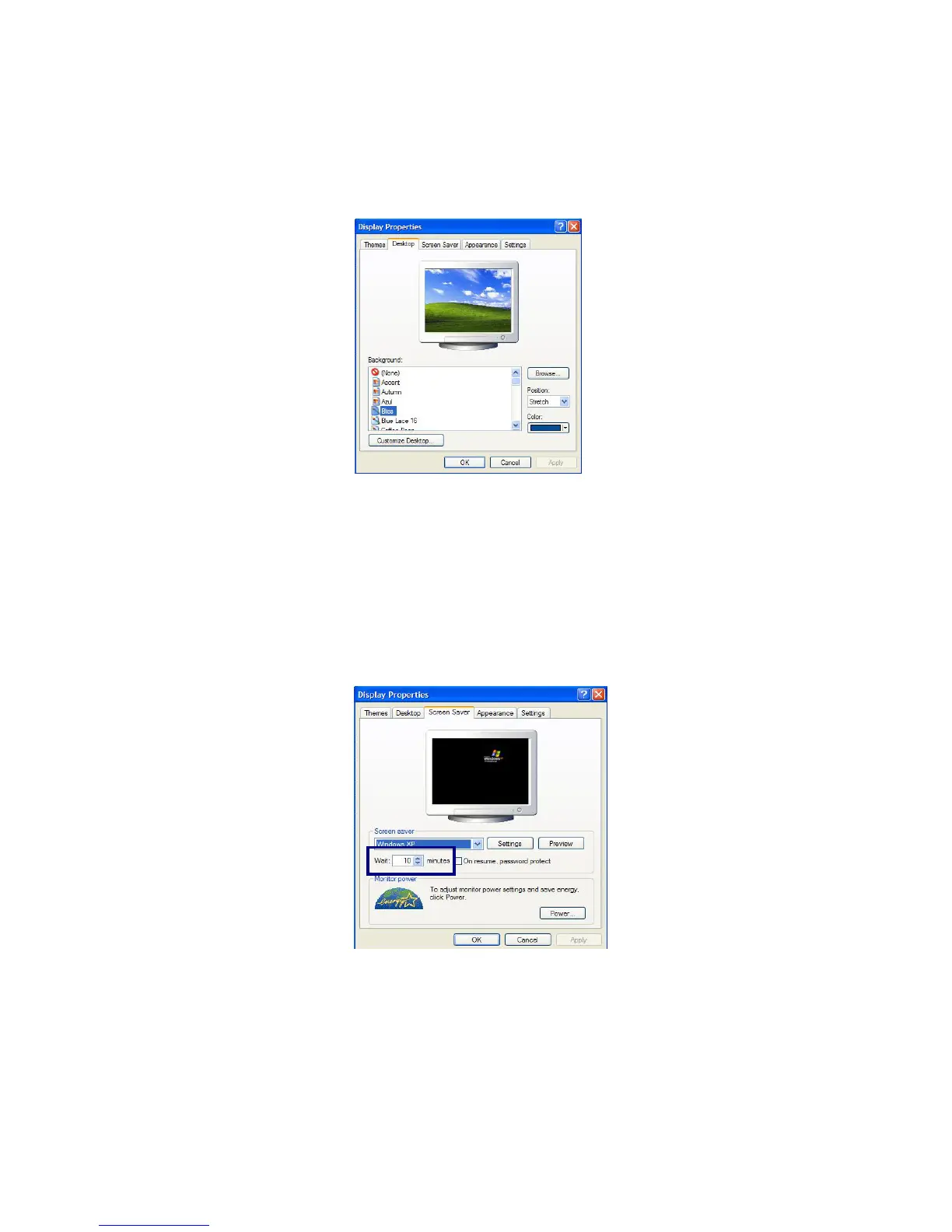
Changing the desktop background
Click [Start]->[Control Panel]->[Switch to Classic View]->[Display].
Click [Desktop] tab. (OR you can right click on the mouse while in desktop
background. When a short cut menu pops up, choose [Properties]
Scroll down the [Background] drop down menu and select an image for the
background. You can also click [Browse] button and select an image you have
saved.
Setting the Screen Saver
Click [Start]->[Control Panel]->[Switch to Classic View]->[Display].
Click [Screen Saver] tab.
- 50 -
Select the idle time before activating the Screen Saver from [Wait] drop down
menu. Check [On resume, password protect] to protect the computer from



 To Next Page