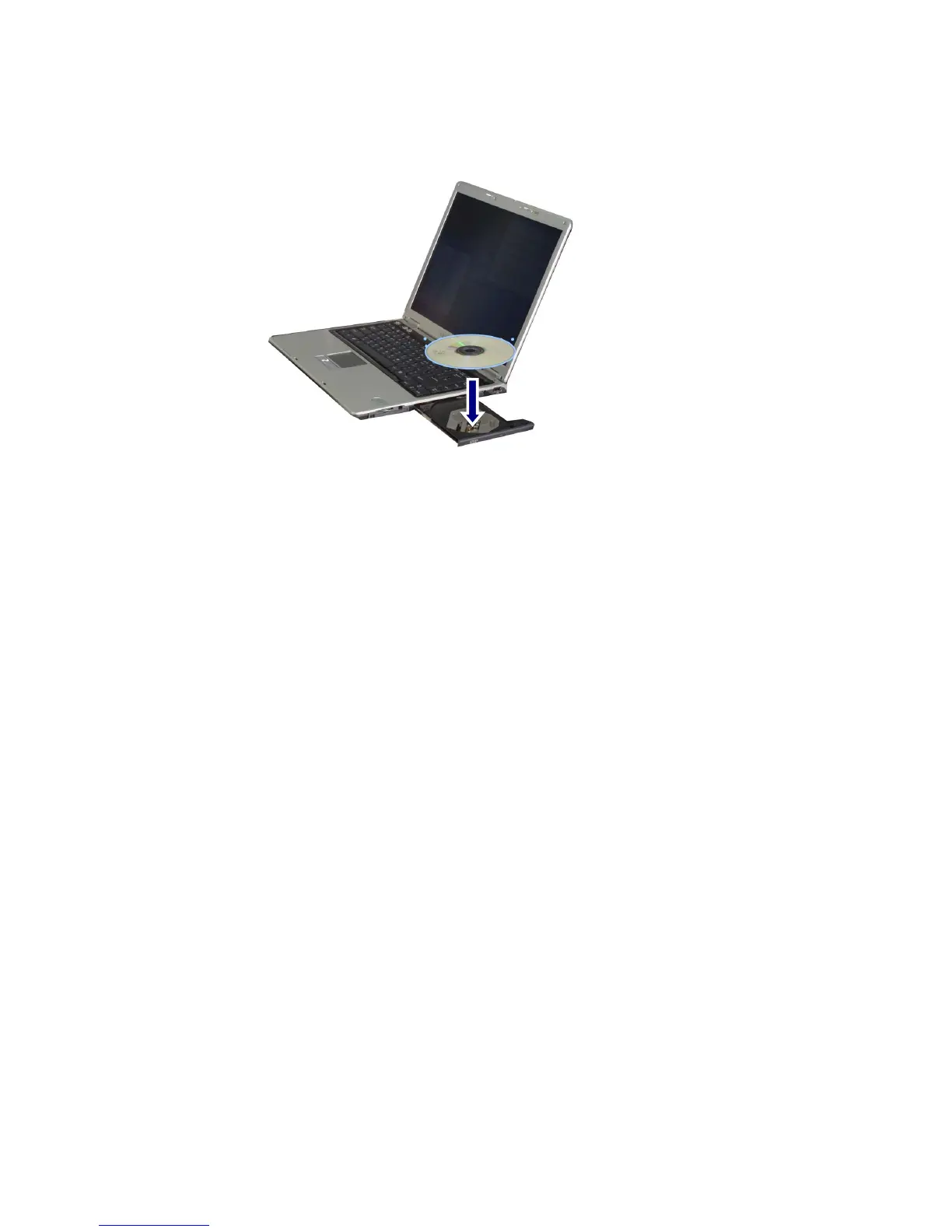
Push the tray into the CD-ROM drive.
Note:
When you use the CD-ROM or CD-RW/DVD-ROM drive, place your computer on
a flat surface. The drive may not function correctly on an uneven surface.
Your computer has a CD-ROM drive with the speed of 24X or faster;
therefore, the drive may rattle when you first insert a CD.
Be careful not to scratch the surface of a CD-ROM or CD-RW/DVD-ROM disk.
Do not clean a CD-ROM or CD-RW/DVD-ROM disk with abrasive chemicals,
such as Benzene or Paint thinner.
Do not drop or bump a CD-ROM or CD-RW/DVD-ROM disk.
Use a clean, soft cloth when removing dust or fingerprints on a CD-ROM
or CDRW/DVD-ROM disk.
Removing a CD
1. Press the eject button on the CD-ROM drive to eject the disk tray.
2. Lift the CD in the middle of the disk tray.
3. Place the CD in its protective case.
4. Push the disk tray into the drive.
- 95 -



 To Next Page