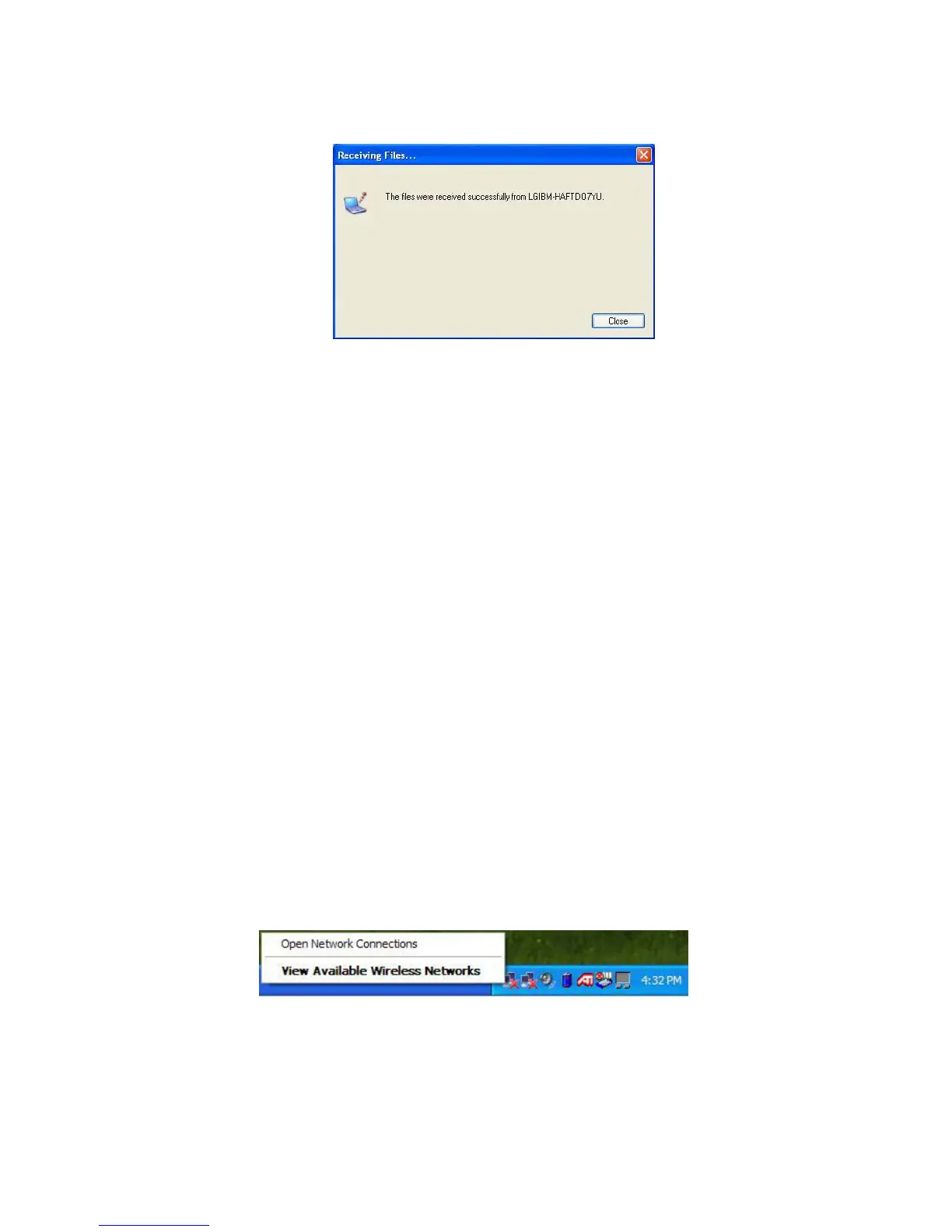
10. Click Yes to start a data transfer. The data transfer is complete.
Note:
The default directory for the received data is C:\Documents and Settings\
User Name\Desktop. To change the default directory, open Wireless Link and
click Properties, and then choose a new default directory.
Using Wireless LAN
You can use Wireless LAN to connect to the network and use the Internet in
your home and office. You can share files and folders over the network
without the attaching network cables to the computer. It is composed of
Wireless LAN on Windows when shipping.
Note:
Below mentioned functions are not offered by each product
*IEEE1394 / Wireless LAN / SD Memory card / S-Video port/ IrDA port/
Memory Stick
When using LAN or Wireless LAN, refer to “Using IP Operator” (page 66).
IP Operator is useful to access to network everywhere by notebook.
Connecting and using the wireless network
Right-click the Wireless network icon on the Taskbar and select [View available
wireless network].
- 66 -



 To Next Page