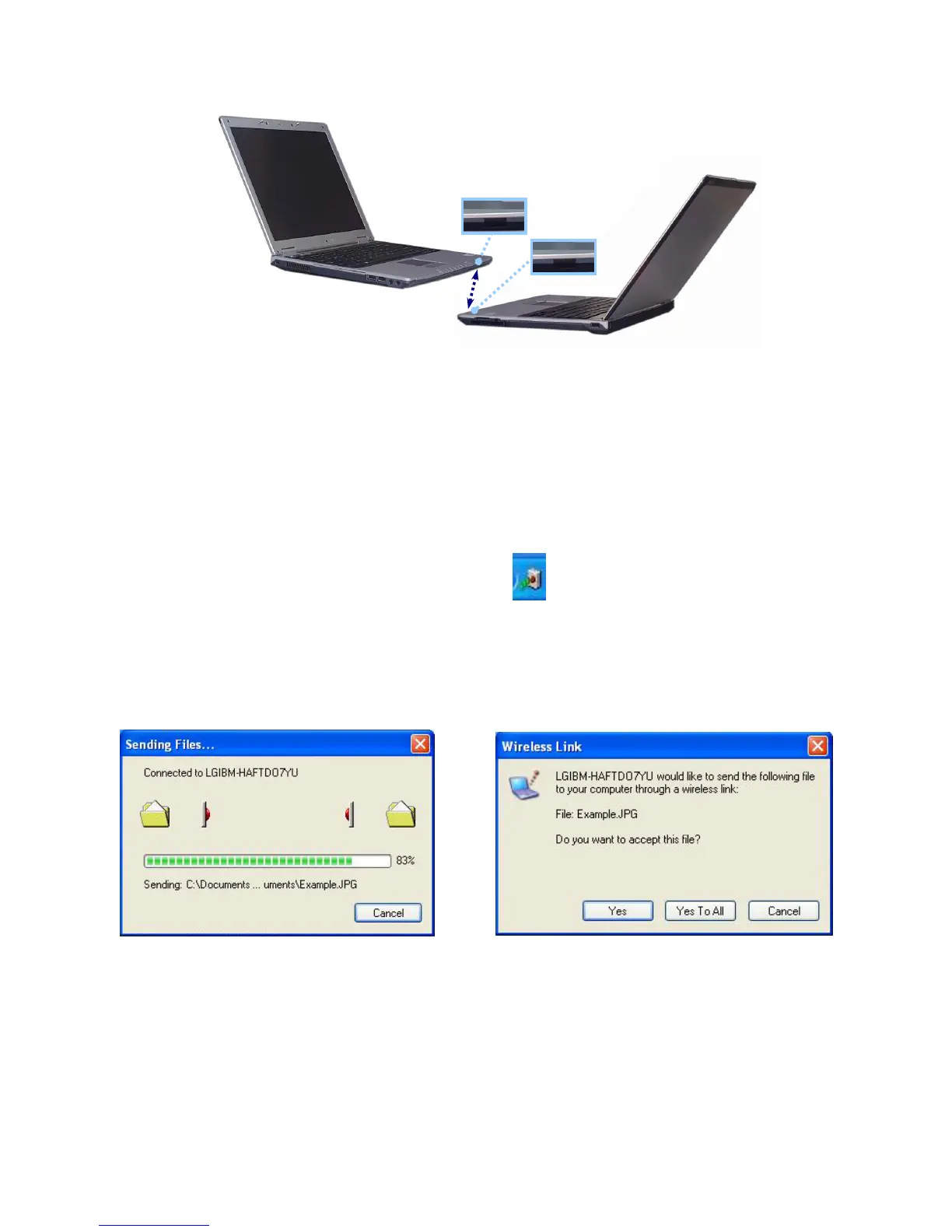
The distance and the beam angle between the ports must be less than 1m and
smaller than +-15 degrees respectively.
Remove any obstruction between the ports.
7. When the connection is established, Wireless Link program starts automatically.
Wireless Link icon appears on the taskbar, and shortcut to Wireless link is created
on the desktop.
Shortcut to Wireless link Wireless link icon
8. Double-click Wireless link icon on the taskbar. Wireless Link windows opens.
9. Select the file that you want to send, and click Send.
Sending and receiving computers show the following windows.
Sender Receiver
- 65 -



 To Next Page