- 94 -
Storage/Memory
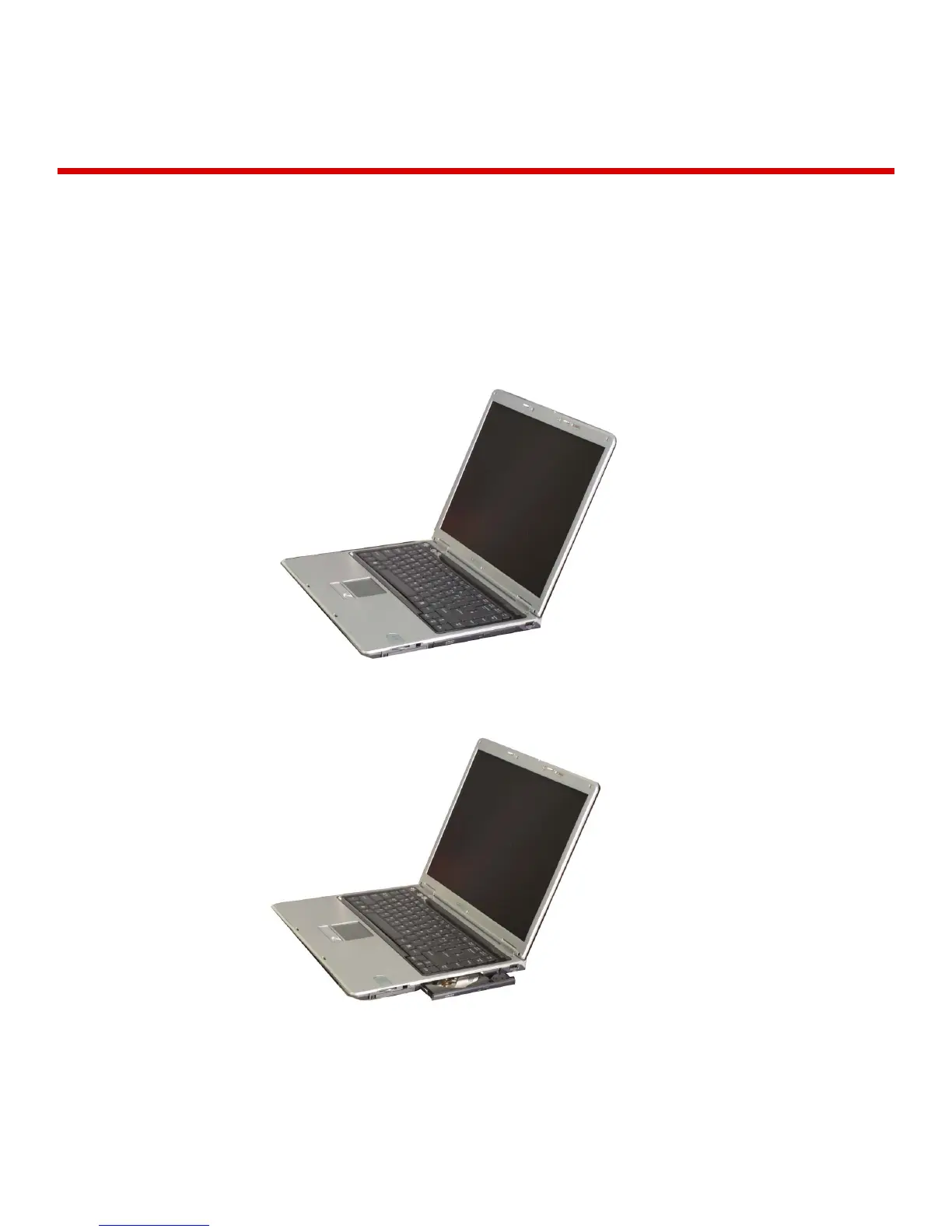
Using the optical disk drive
Different model types provide different optical disk drives. (Some models
have CD-ROM drives and others have CD-RW/DVD-ROM combo drives)
Inserting a CD
Turn on the computer, and press the eject button on the CD-ROM drive.
Place the CD in the middle of the tray. (Label on the CD must face upward)



 To Next Page