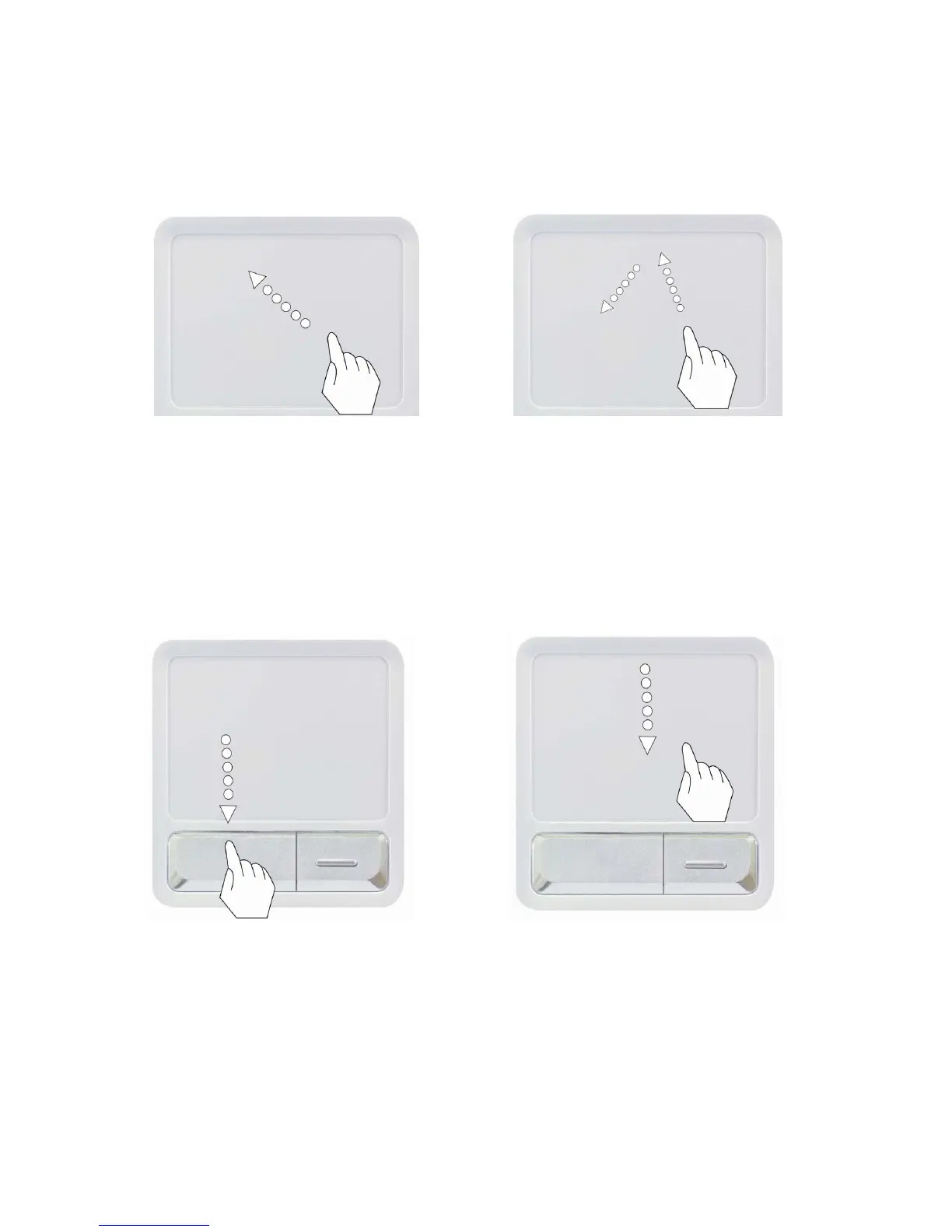
Moving the pointer on the screen
Gently place your finger on the touch pad and slide it in the direction in which
you want the pointer to move.
Making the selection (Click)
To click a button, quickly press and release the left button. You can click the
left button or gently tap the touch pad once to select an item on a menu or
an icon on the screen, or position the cursor in a document.
- 78 -
OR



 To Next Page