Attaching external devices
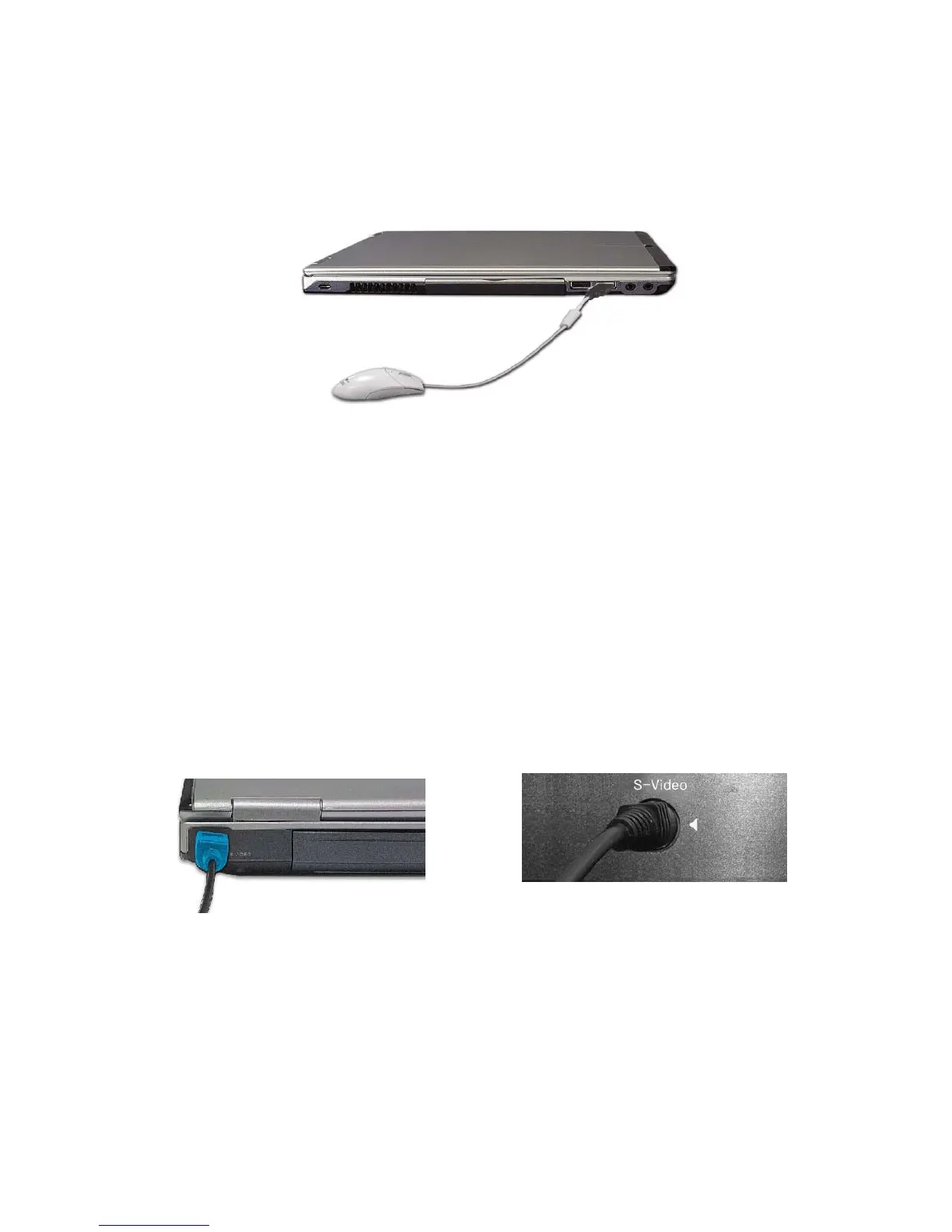
Attaching a USB device
USB mouse (not included)
You can connect keyboard, hub, digital camera and other devices that support USB.
Attaching a television using an S-Video port
Note:
Below mentioned functions are not offered by each product
*IEEE1394 / Wireless LAN / SD Memory card / S-Video port / IrDA port/
Memory Stick
1. Attach the S-Video cable from a TV to the S-Video connector on the computer
Connecting to system Connecting to TV
(Works only with TV that has S-Video port)
- 56 -



 To Next Page