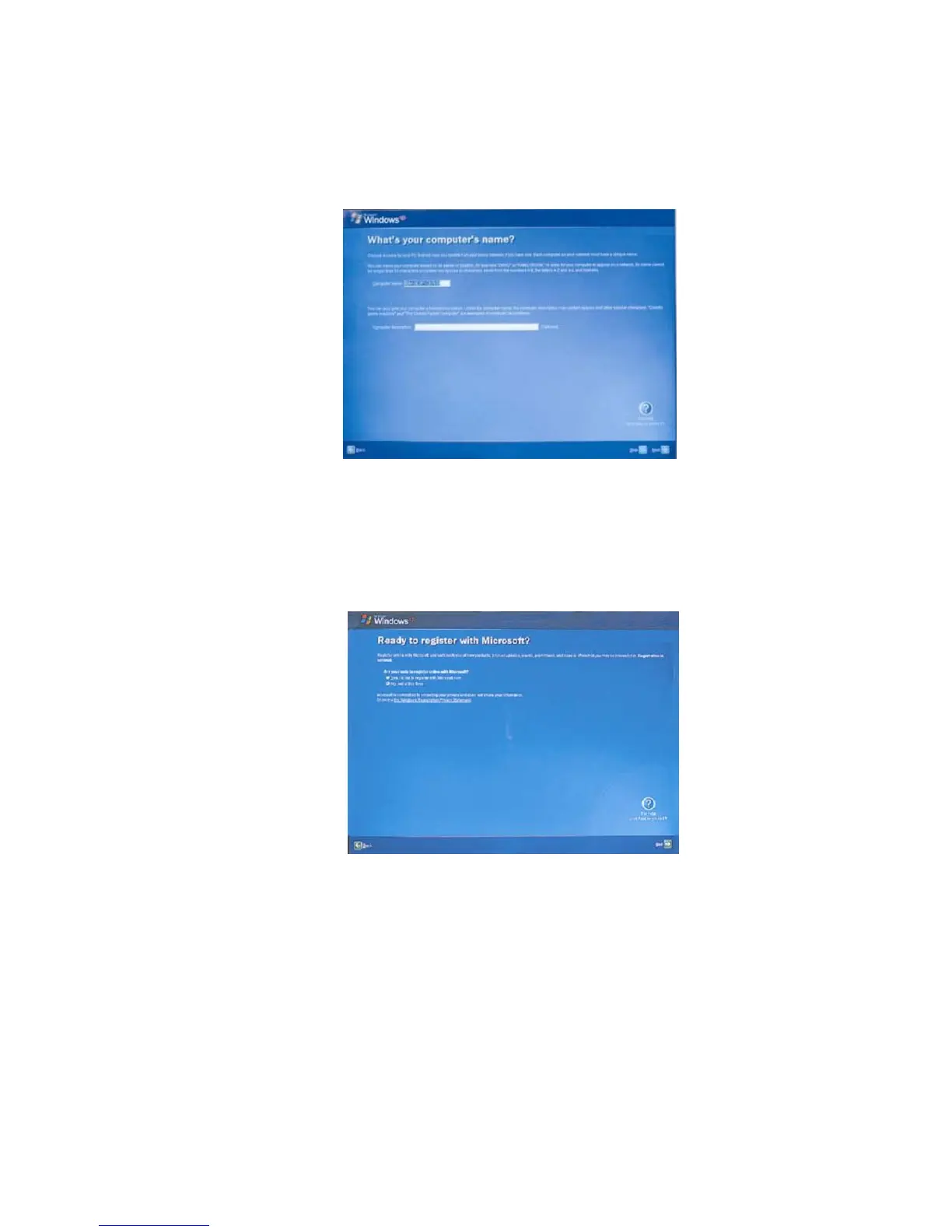
7. ‘What’s your computer’s name?’ appears on the screen. Type the name and
description for your computer, and click [Next].
8. ‘Ready to register with Microsoft?’ appears on the screen. Select ‘No, not at
this time’ and click [Next].
9. ‘Who will use this computer?’ appears on the screen. Type the names of the
users and click [Next].
- 38 -



 To Next Page