PrtSc (Print Screen) key: Press PrtSc key to take the snapshot of the entire area
visible on your screen and store it in the clipboard.
Enter key: Press Enter key to enter a command or to end a line.
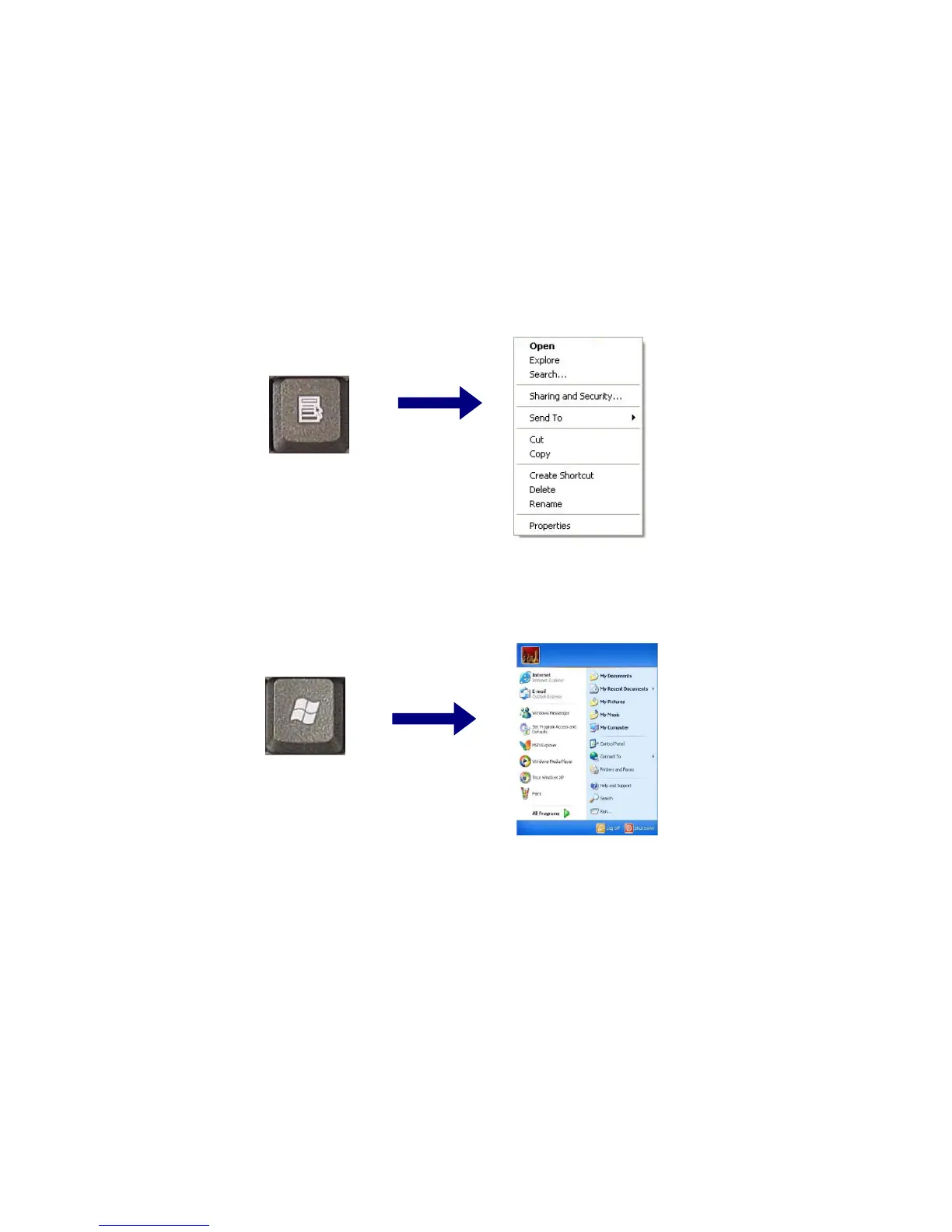
Shortcut menu key: Press Shortcut menu key to view shortcuts for the current
program. (Shortcut menu key works the same as the right-clicking the mouse
button)
Windows(R) key: Press Windows key to view the Start menu.
LG
Note:
You can lock the keyboard in the upper/lower case position by pressing Caps Lock
key. Caps Lock indicator is lighted up in upper case position. You can use the
combination of Shift and a character key to enter its upper/lower case letter.
- 75 -



 To Next Page