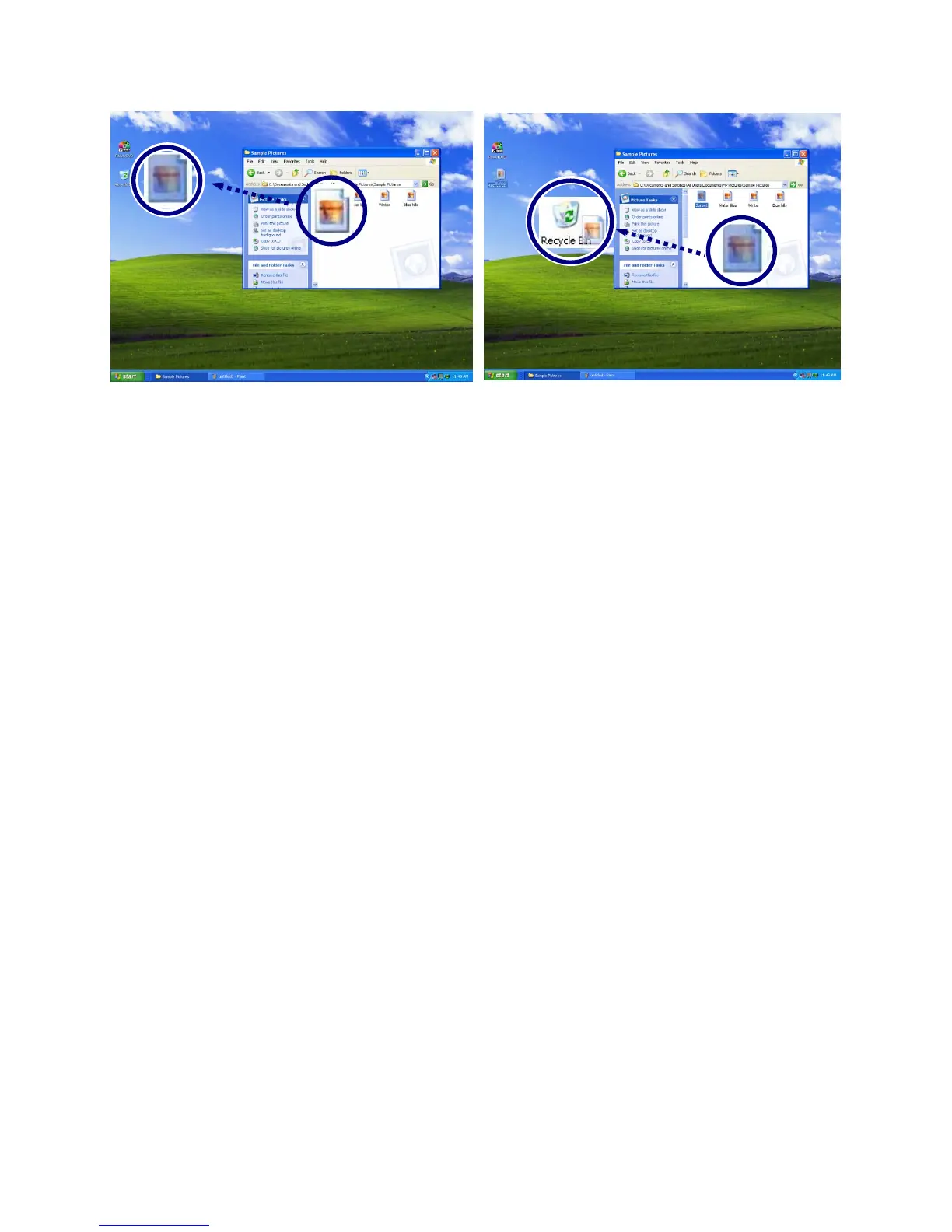
.
Drag: Move the icon without releasing the left button
Drop: Release the left button above the recycle bin.
ClickLock: enables you to select text or drag a file without having
to continuously hold down the mouse button or touch pad button.
Follow the instruction below to enable ClickLock. If ClickLock is enabled,
you can hold down the mouse button or touch pad button for a moment and
then release it, and still get the same effect as continuously holding down
the button. You can drag an object with ClickLock enabled and press again
to release the button and drop the object.
Click and open the Mouse Properties window.
On the Buttons tab, under ClickLock, select Turn on ClickLock check box.
- 80 -



 To Next Page