28
11
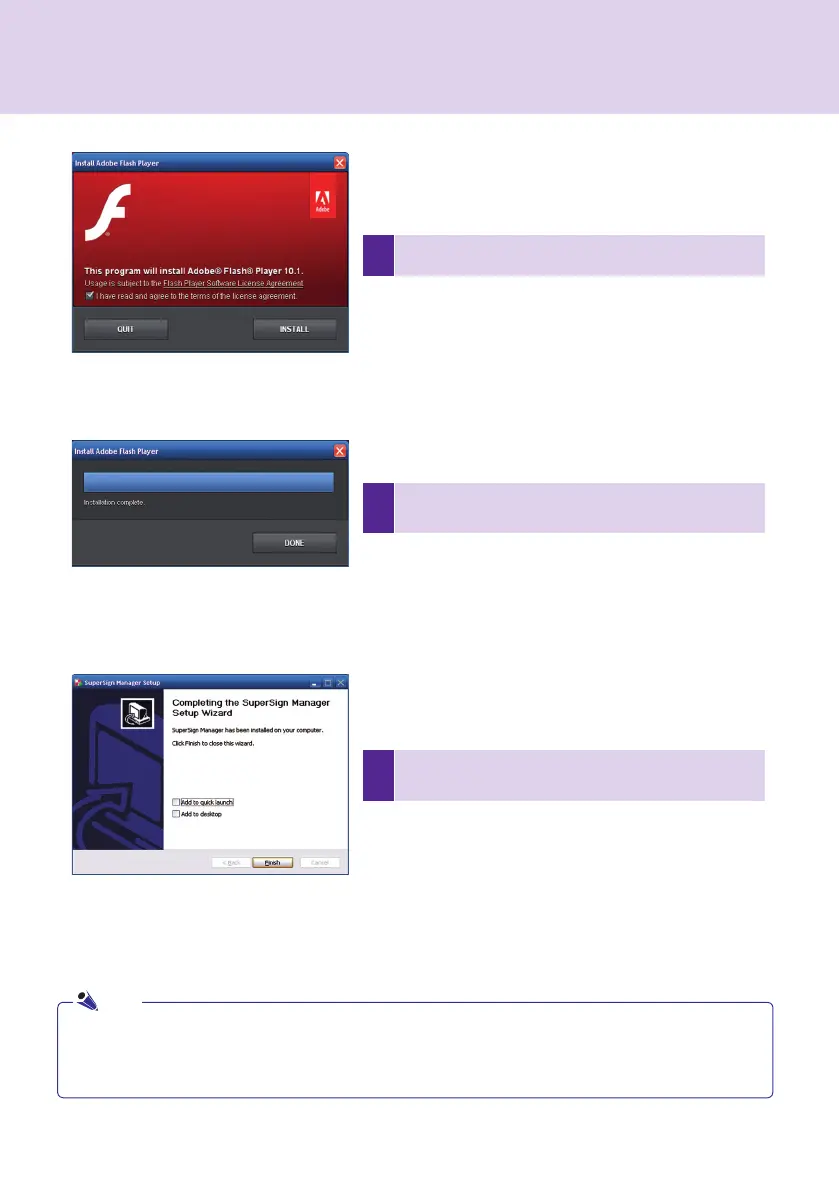
After SuperSign Manager installation is complete, click
Finish to exit the installation.
10
Click DONE when the installation of Adobe Flash Player
Active X ends.
9
Adobe Flash Player Active X installation is initiated.
● When you re-install the program without uninstalling it, you can preserve the data or initialize the system.
● If you use Windows 7, you should log on as an administrator. Otherwise, you cannot install the program.
● When installing SuperSign Manager and the Player, use the same version of the software.
Note
SuperSign Manager



 To Next Page