44
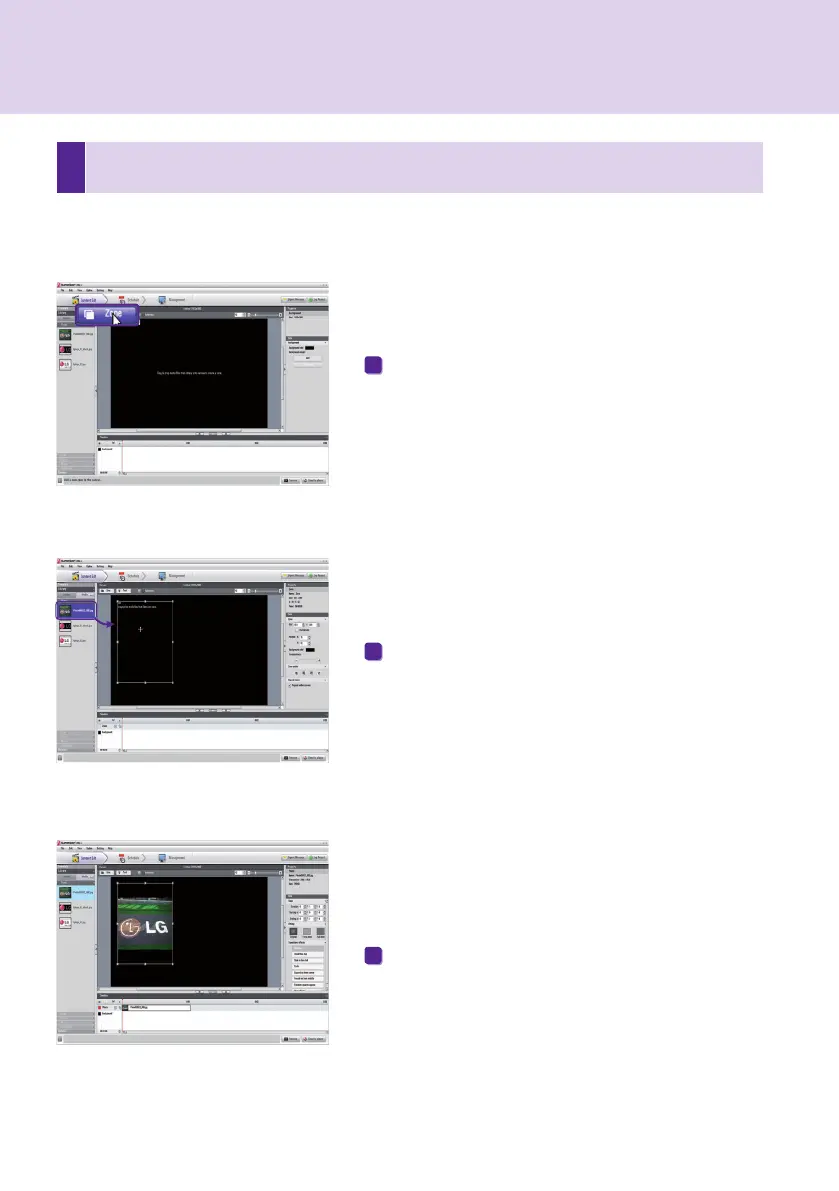
Drag and drop a media file already registered in the
library.
The media will be added to the zone.
There are two ways to display media on the canvas.
Add Media to Zone
Click the Zone button in the upper right of the screen.
A zone is created.
1
2
3
3
Display Media
You can exhibit media such as photos, videos, music, PDFs, and MS Office files registered in the library.
SuperSign Manager



 To Next Page