45
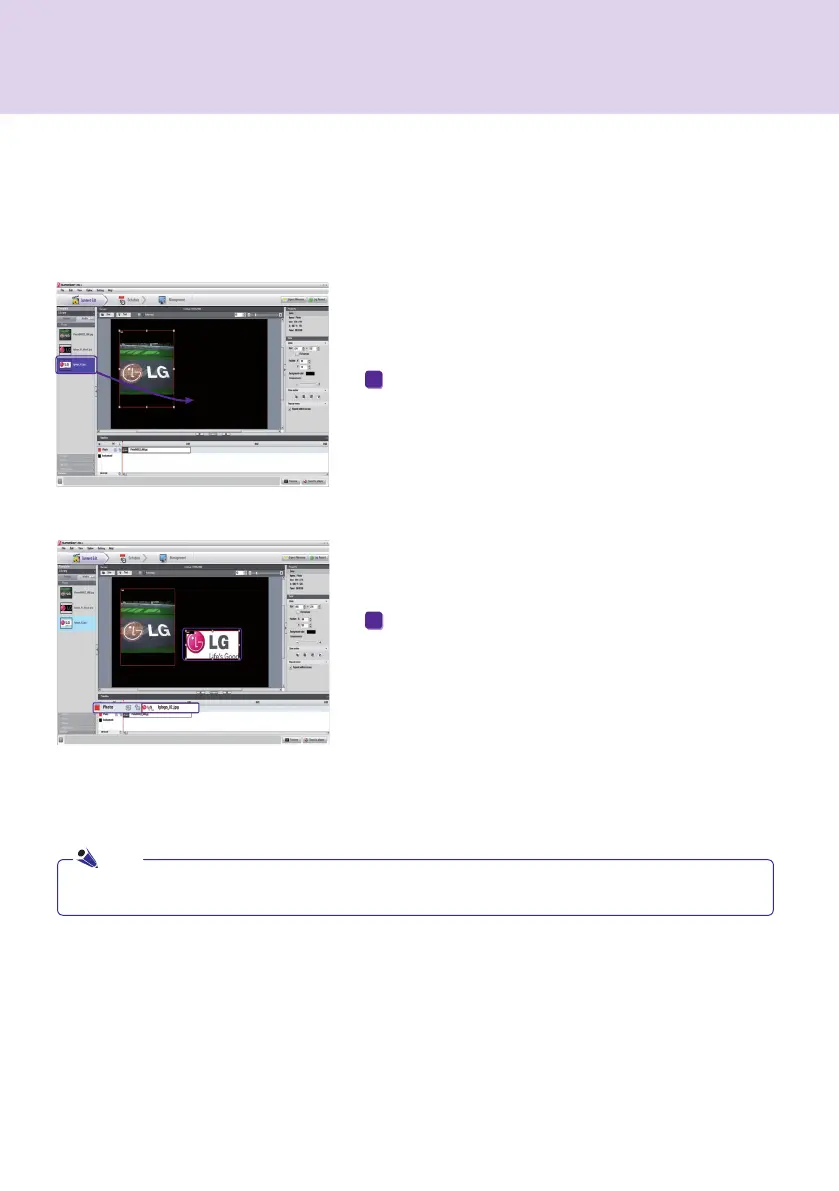
To do this, drag and drop a registered media file.
The file will be displayed on the canvas as shown here. A
new zone is also automatically created. The size and
location of the new zone can be adjusted.
Drag Media
You can directly display media files.
1
2
SuperSign Manager
Select and drag a media file from the Windows Explorer directly to the canvas to create a new zone.
Note



 To Next Page