-12- v2.9
Notes
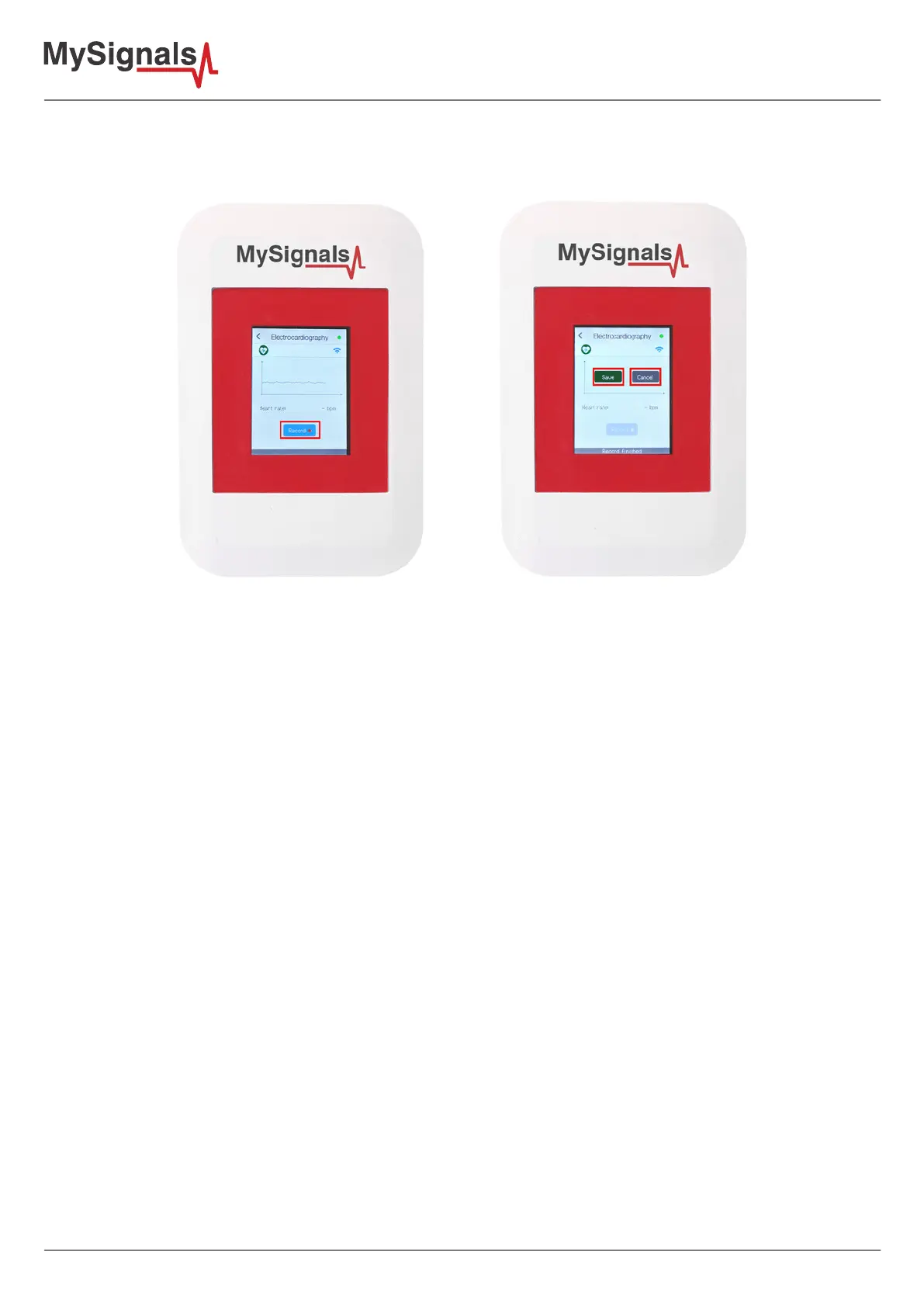
9º - In February 2017 we have released new Firmware, Apps and Cloud versions that allow to record continuous
waves and send them to the Cloud (in Server Mode). You can record up to 30 seconds of the data measured in
detail mode of ECG, EMG, Snore and Airow.
10º - In the General view the update time to the Cloud is 10s. In the Detail view 5s.
11º - In order to make the MySignals App send to the Cloud you need:
• Have one Department created.
• Have one user created and linked to one.
• Department In the App to to Users, click on one and press “Select this user”.
• Make sure the “Cloud” icon is active (upper right corner of the App).12º - Connect the ECG Electrodes to the
ECG sensor cables before placing them in the user body.



 To Next Page