-132- v2.9
Sensors
7.1.4.2. Connecting the sensor
Connecting the sensor
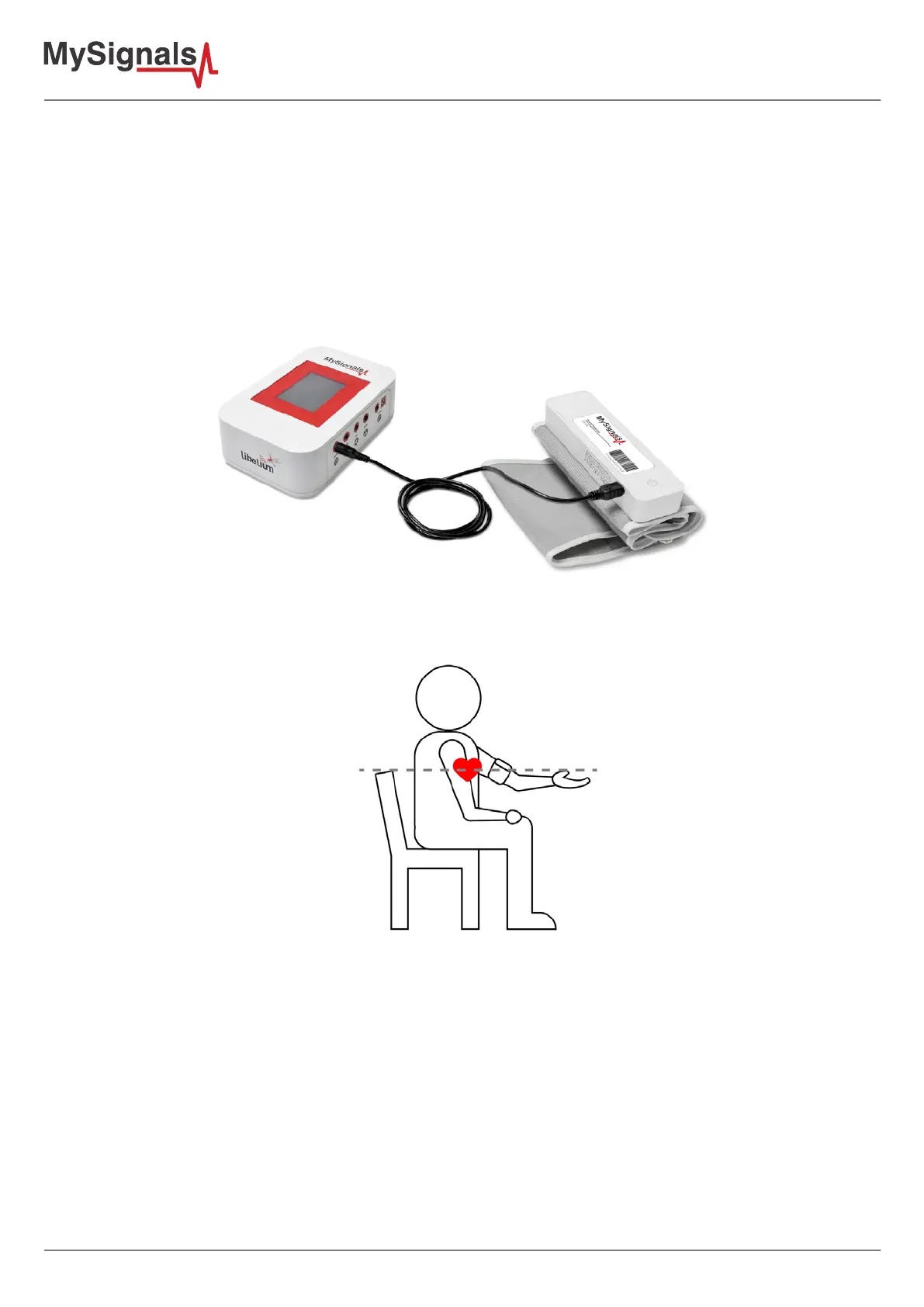
Connect the sensor in the Blood Pressure connector indicated in the MySignals Hardware board. The sensor cable
have only one way of connection to prevent errors and make the connection easier. Use the mini-USB connector
to link the Blood Pressure monitor with the MySignals board, using the normal jack connector (3.5mm) of the
cable in this side.
Before start using the sphygmomanometer we need to connect the sensor in MySignals board. After that we can
get all the information contained in the device.
Figure: Cable connection Blood Pressure
Place the sphygmomanometer on your arm (biceps zone) as shown in the image below.
Figure: Blood Pressure connection diagram


 To Next Page