-161- v2.9
Sensors
7.1.7.2. Connecting the sensor
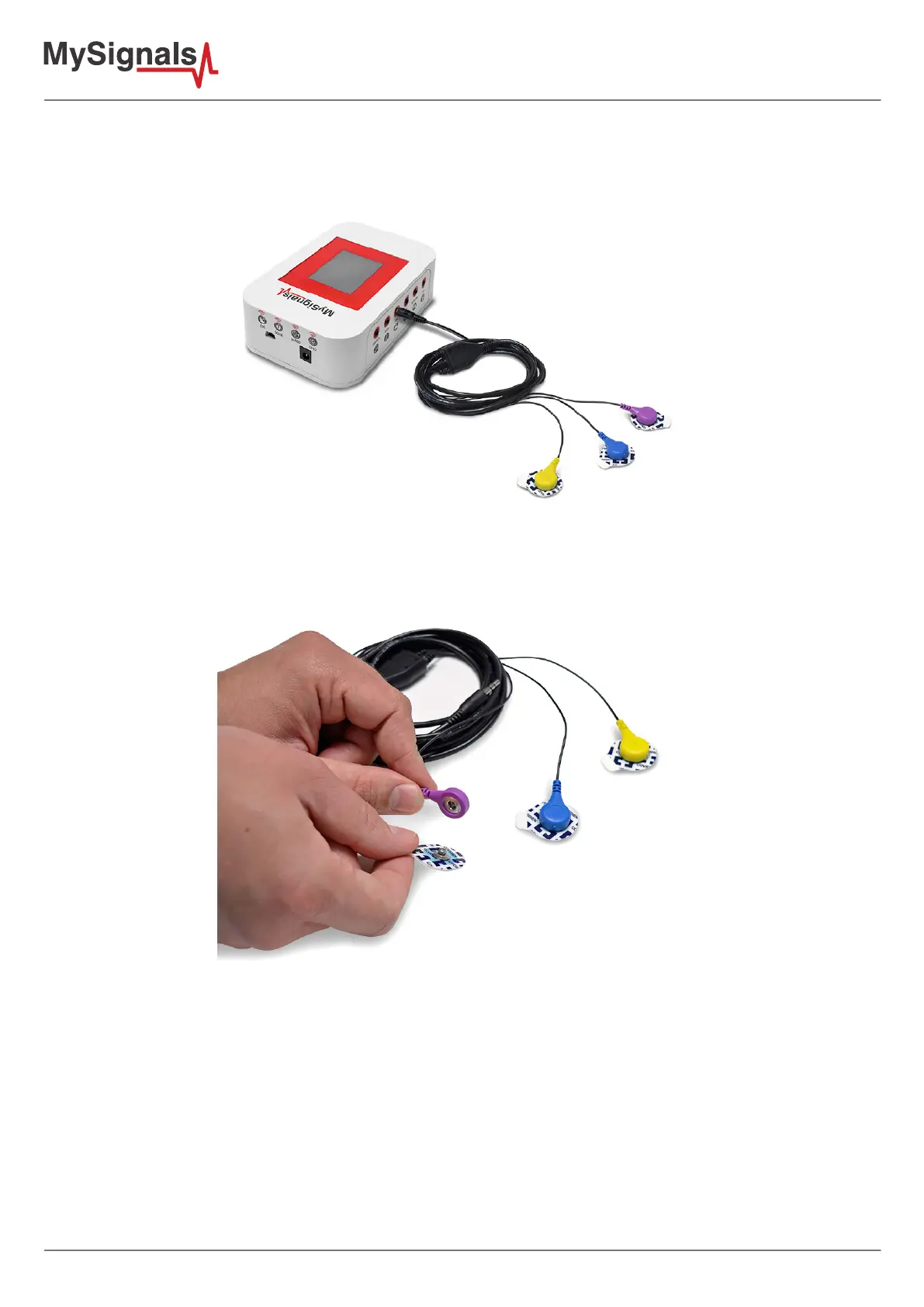
Connect the sensor in the EMG connector indicated in the MySignals Hardware board. The sensor cable have only
one way of connection to prevent errors and make the connection easier.
Figure: MySignals Hardware Development Platform with EMG connected
Connect the EMG lead to the electrodes.
Figure: EMG connecting EMG electrodes
Remove the protective plastic. You can use a specic conductive gel in order to improve the quality signal of the
sensor.



 To Next Page