-178- v2.9
Sensors
7.1.8.2. Connecting the sensor
Connect the sensor in the Spirometer connector indicated in the MySignals Hardware board. The sensor cable
have only one way of connection to prevent errors and make the connection easier. Use the mini-USB connector
to link the Spirometer with the MySignals board, using the normal jack connector (3.5mm) of the cable in this side.
Before start using the glucometer we need one measure at least in the memory of the Spirometer. After that we
can get all the information contained in the Spirometer (date, PEF, FEV1).
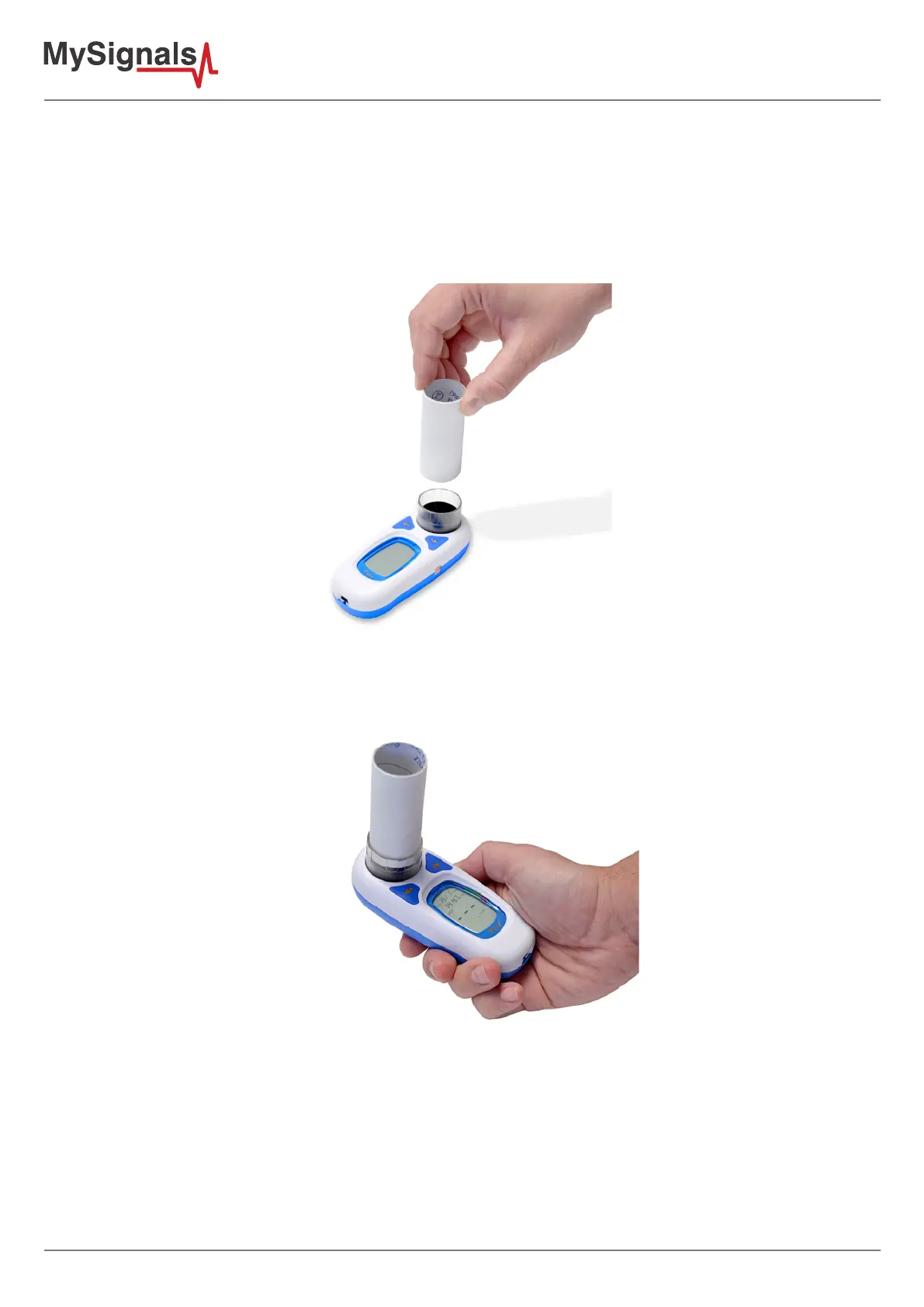
Figure: Insert the disposable mouthpiece in the Spirometer.
1) Place a new disposable mouthpiece for each new user in the machine and press the ON button. When the
machine is ready you can start the measurement. In this step the device should be disconnected to MySignals.
Figure: Ready for measurement Spirometer
Sit on the edge of your bed if possible, or sit up as far as you can in bed. Hold the spirometer in an upright position.
Place the mouthpiece in your mouth and seal your lips tightly around it. Breathe in fastly and as deeply as possible.
2) Press the ON button in order to turn o the device. It is necessary in order to store the measure correctly.



 To Next Page