-234- v2.9
Sensors
7.2.3.2. Connecting the sensor
Connecting the sensor
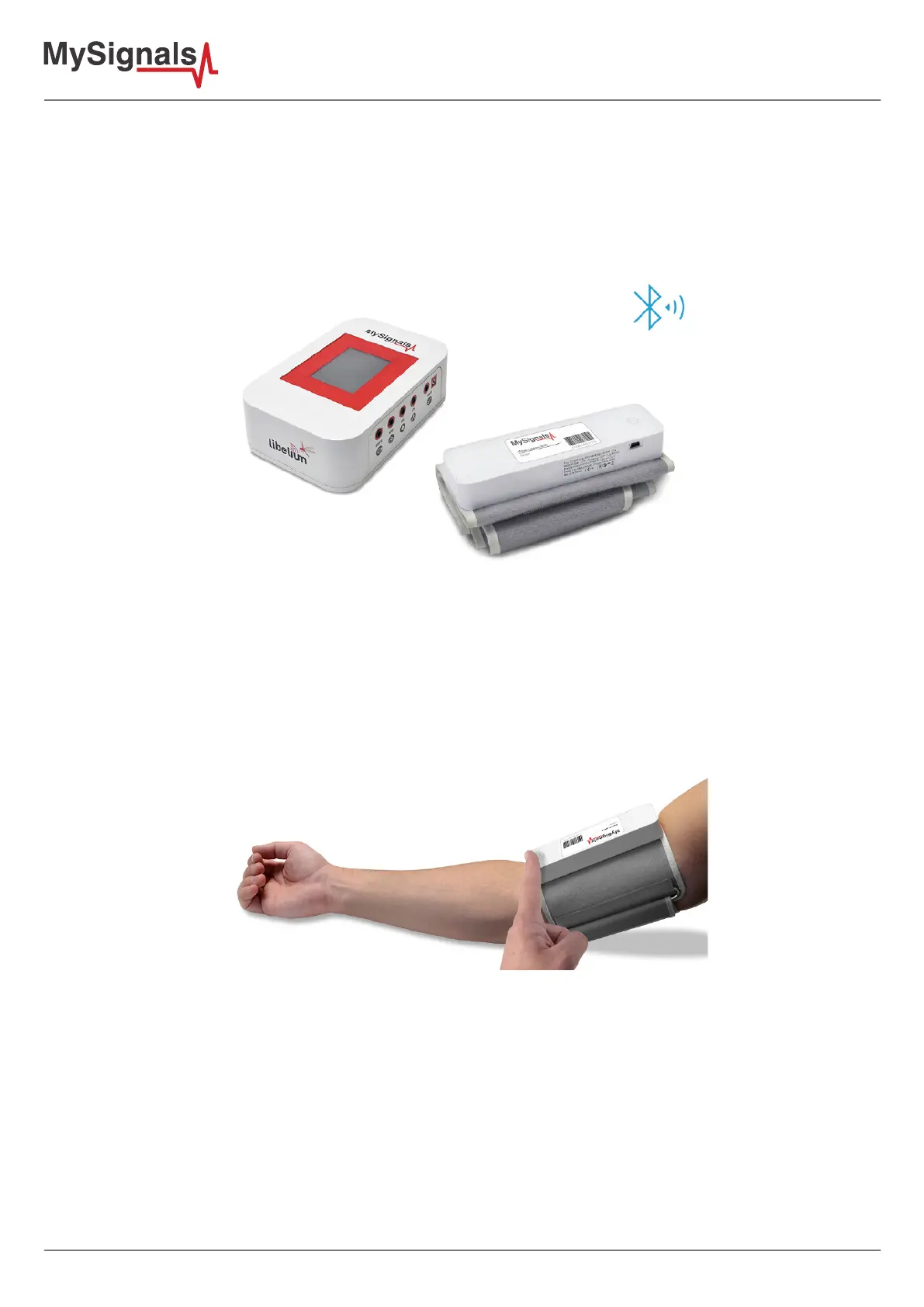
This sensor have not cable. This sensor send the data wirelessly to MySignals board.
Place the sphygmomanometer on your arm (biceps zone) as shown in the image below.
Figure: Blood Pressure connection diagram
Turn on the sphygmomanometer cu (press ON button). The sensor will begin to make a measurement. In order
to measure correctly is important to maintain the arm and the cu in the correct position.
Wait until MySignals program indicate that it is connected with the BLE sensor.
Figure: Blood Pressure sensor ON button
Do not make abrupt movements or the measure will be not reliable.
The sphygmomanometer will take a few moments to calculate the blood pressure reading and send them wirelessly


 To Next Page