-45- v2.9
Data Access
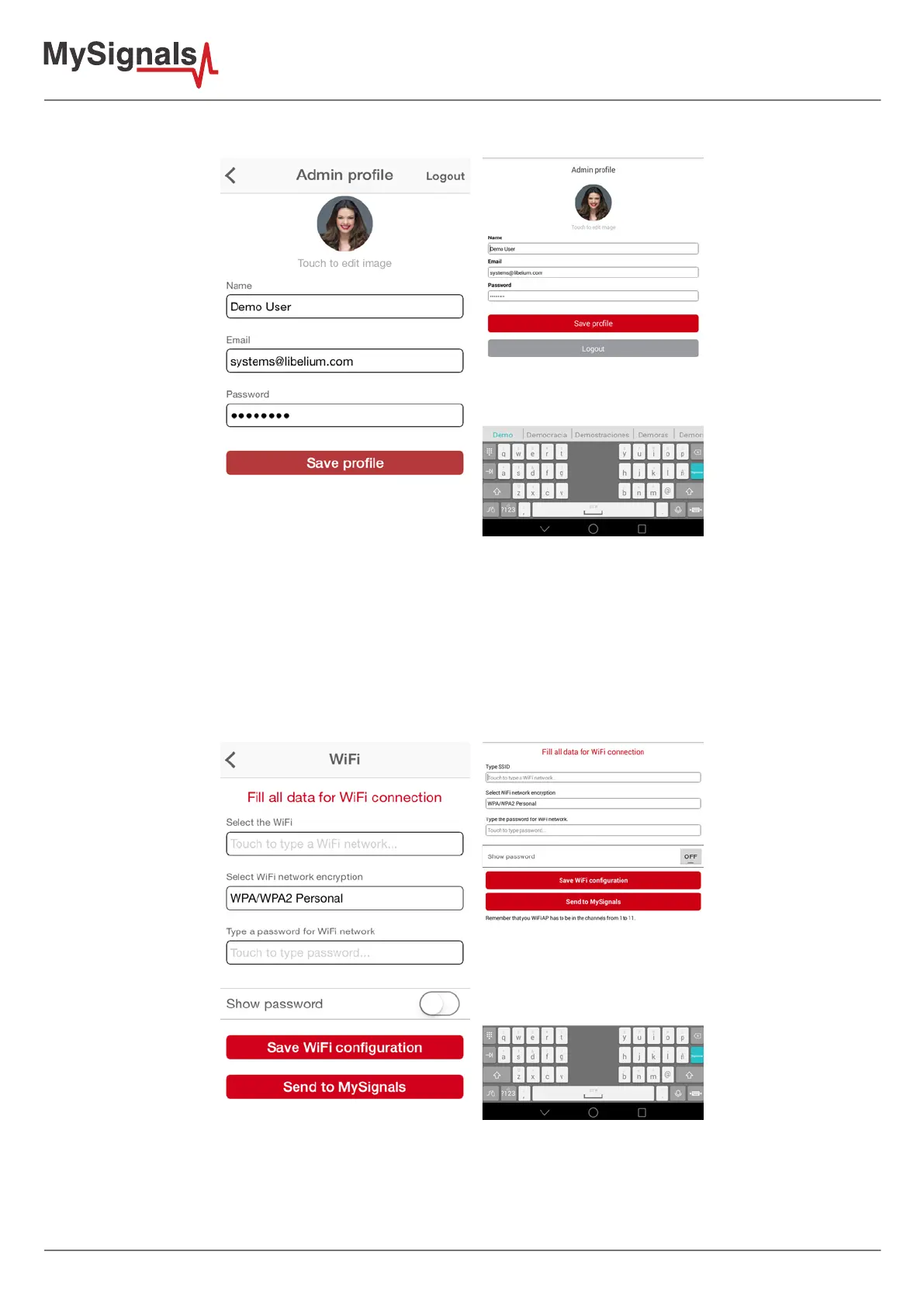
- Now we move to the next screen "Prole” and enter our Manager Prole personal info.
Figure: APP prole
- Go to the next screen “WiFi”. Here you will need to provide your WiFi SSID name and your WiFi password in order to
transmit this information to the MySignals device (this way it will be able to connect to the WiFi AP directly). This is
the only way that MySignals can connect to the WiFi network in your home if you are also interested in using the
Server mode.
Figure: APP WiFi conguration



 To Next Page